
Math Facts
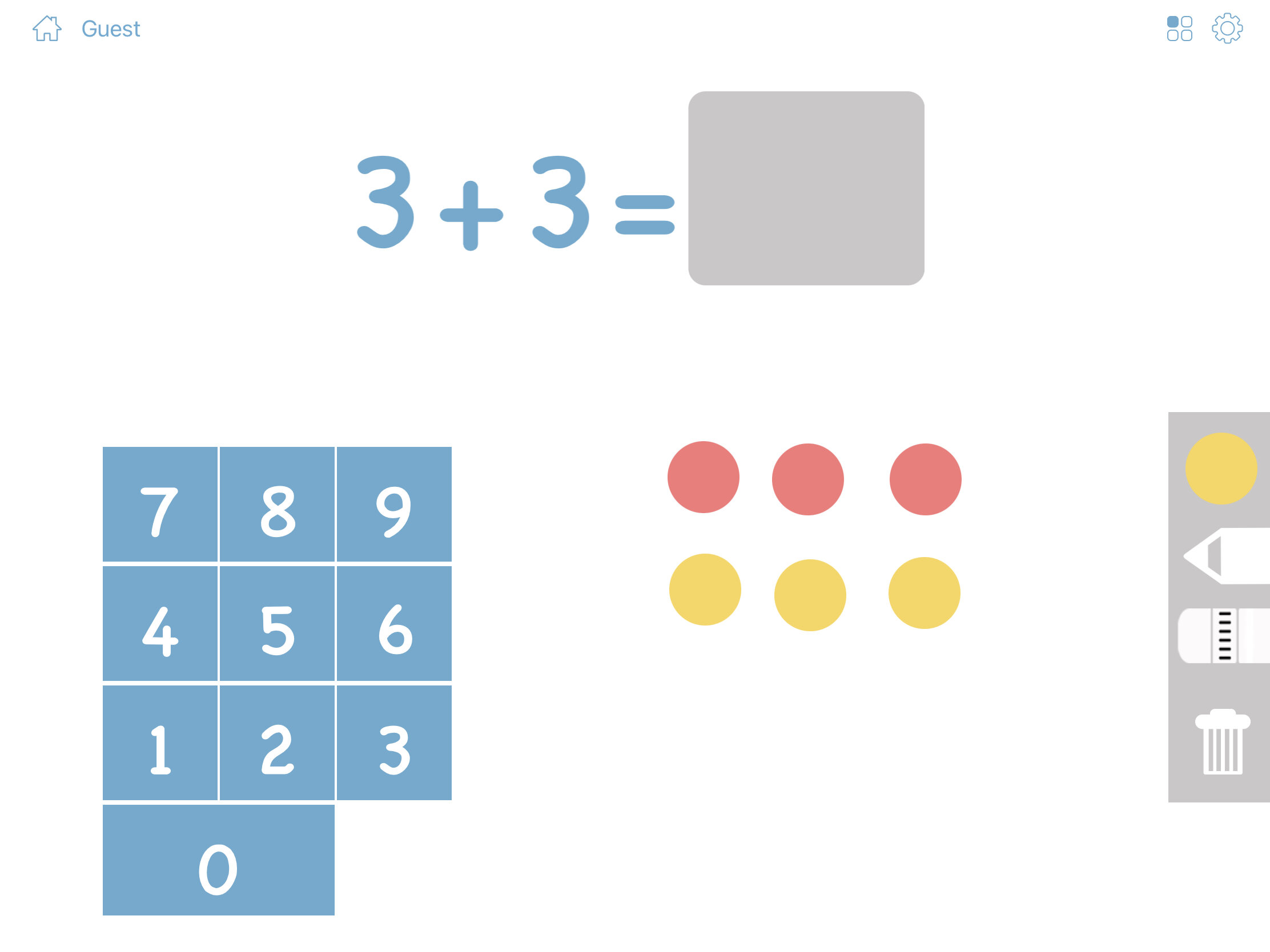
Math Facts is a fun learning activity to help you remember and master simple addition, subtraction, multiplication, and division. The Math Facts game ...
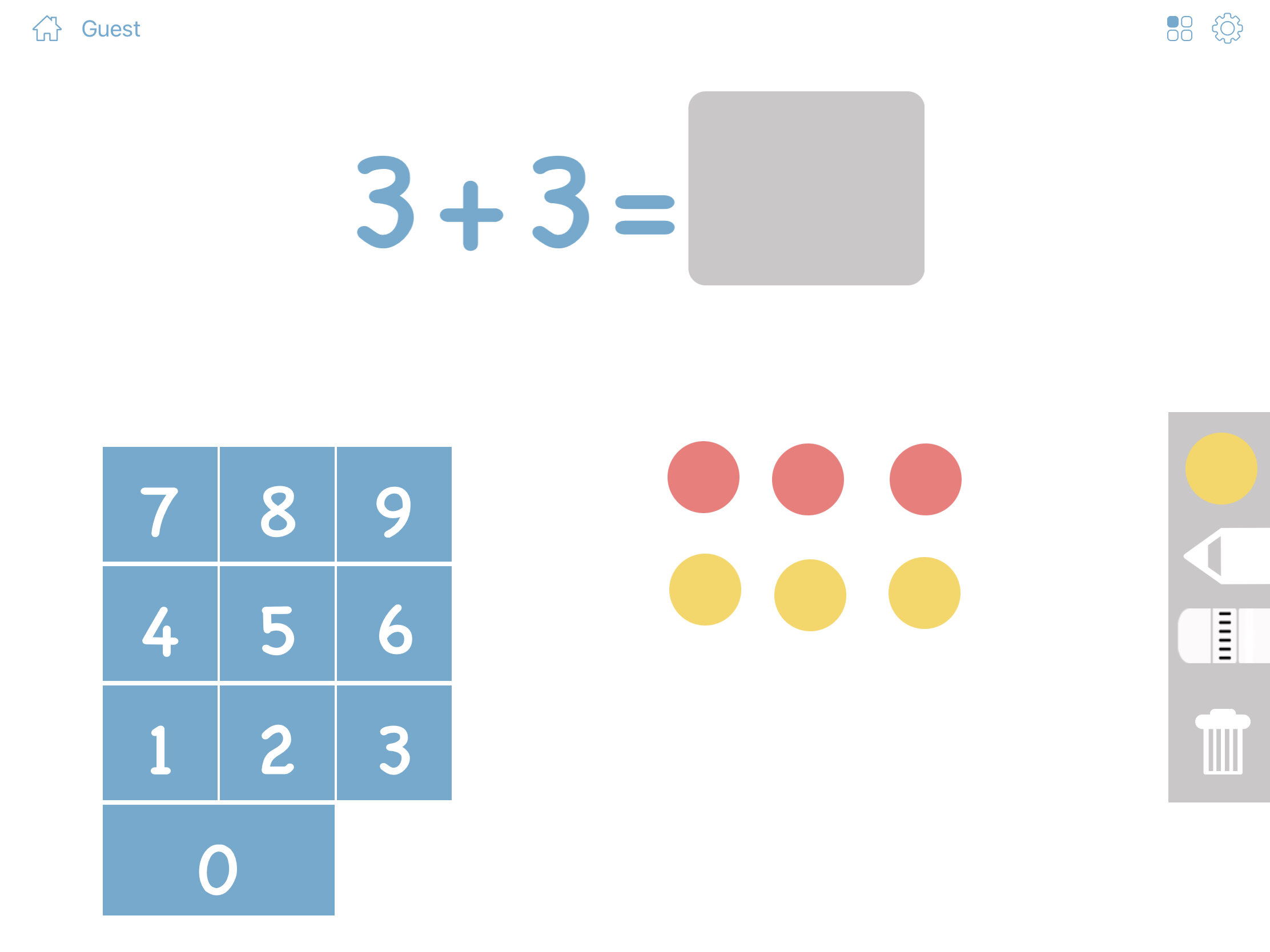
Math Facts is a fun learning activity to help you remember and master simple addition, subtraction, multiplication, and division. The Math Facts game also includes a drawing tool that is great for early learners to grasp new math concepts.
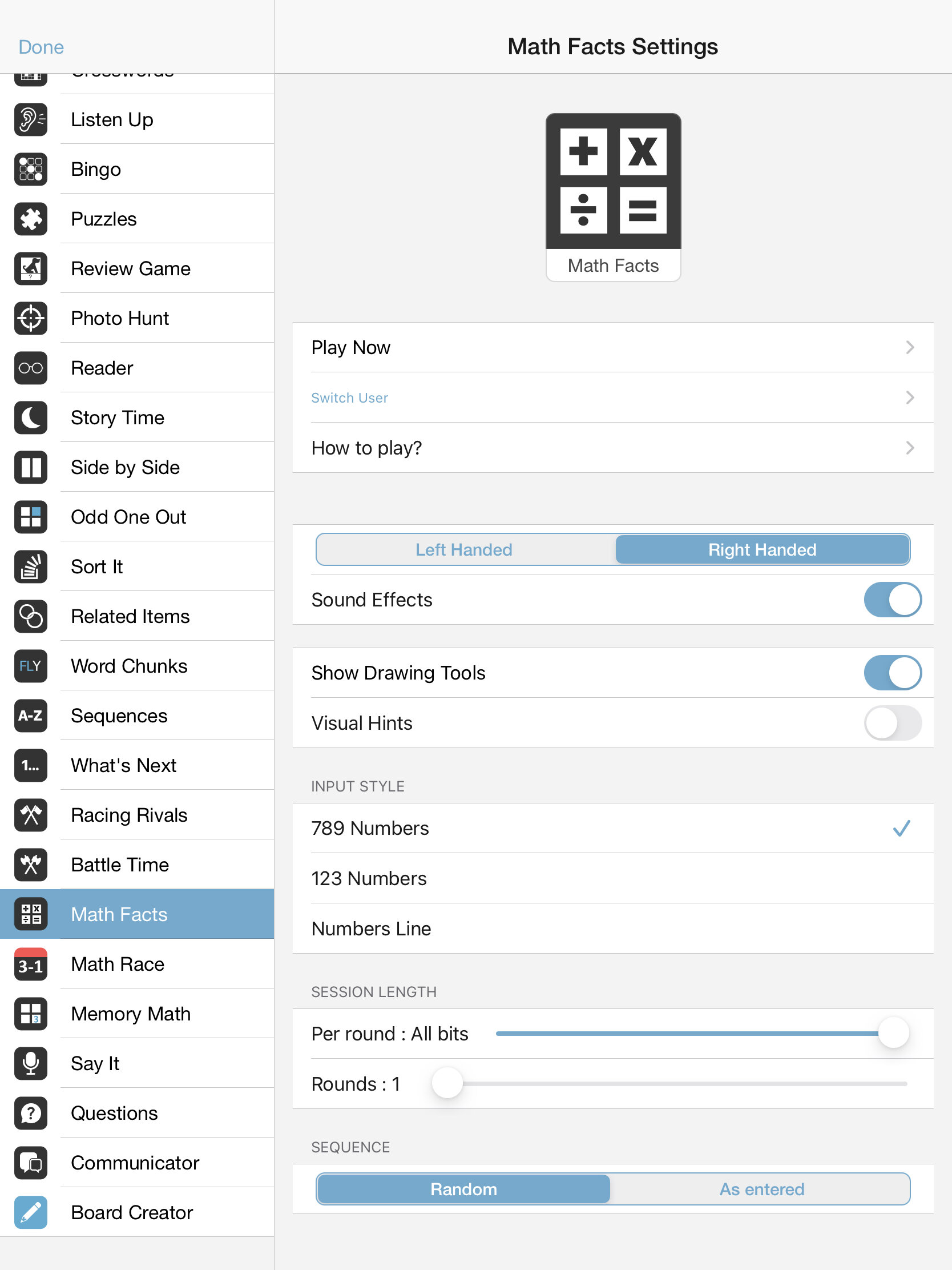
Like all Bitsboard Games, you can adjust the settings of the Math Facts game to your liking.
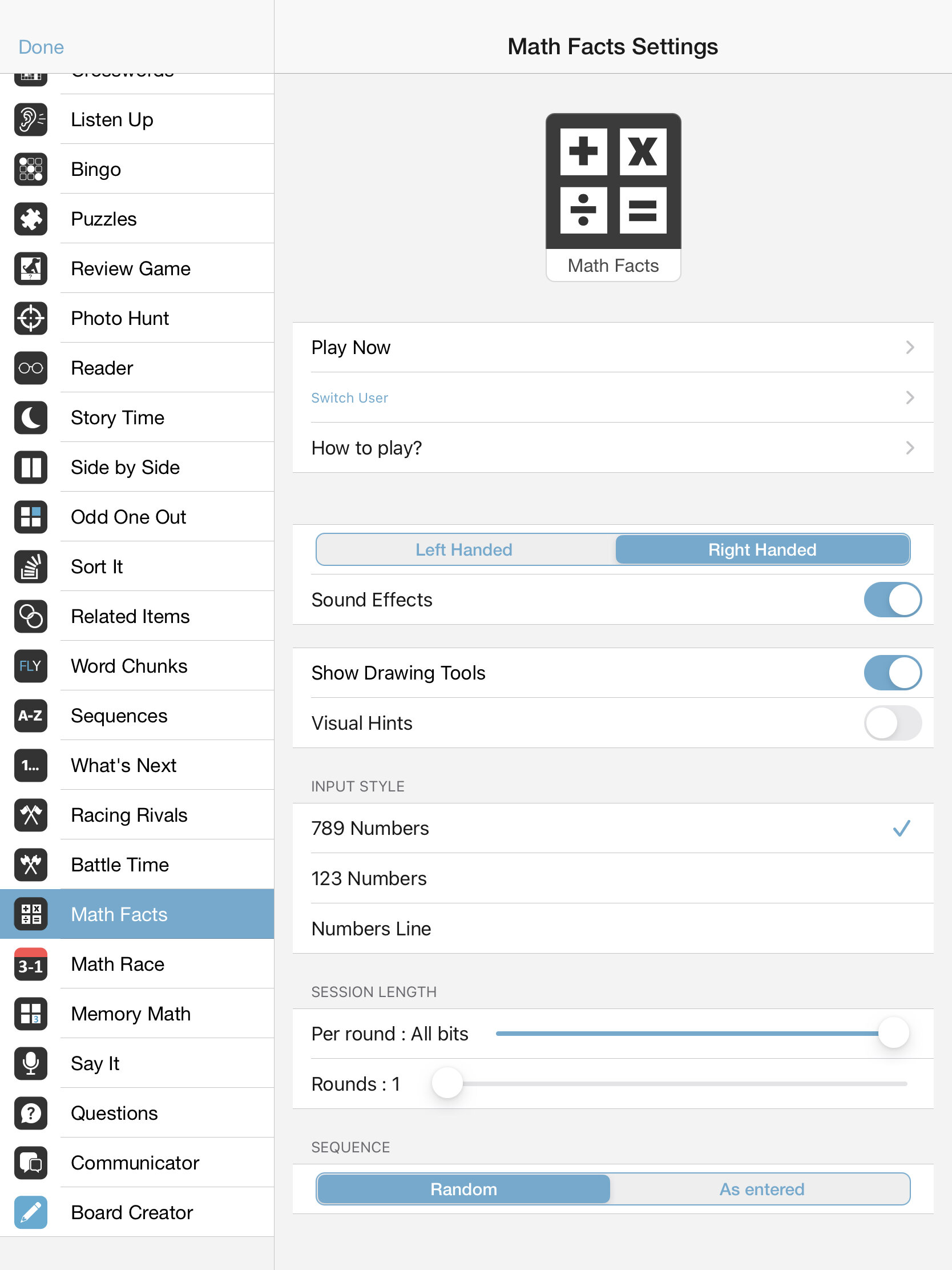
The settings options include
Left Handed vs. Right Handed:
- Use this to adjust whether to have the input numbers appear on the left vs. right side of the screen
Show Drawing Tools:
- You choose to either hide or display the drawing tool inside the Math Facts game
Input Style:
789: Have the numbers start with 789 (similar to how they appear on a computer keyboard with a number pad)
123: Have numbers start with 123 (similar to how they appear on an iPad or mobile phone)
Number line: Display numbers at the bottom of the screen to free up space for the drawing tool (ideal for young learners)
Session length:
Per round: Include between 1 and 20 items per round or all items.
Rounds: Go between 1 and 10 rounds or set it to continuous to keep playing without ever being interrupted by a scorecard.
Sequence:
Random: Bits will appear in random order
As entered: Bits will appear in the order you set them
How to Setup boards for Math games?
The easiest way to see how to create your own boards for math games is by going to the catalog and searching for “Math” and to download some of the excellent Featured Classes that were specifically created for playing the Bitsboard math games. In fact, for the most popular addition, subtraction, multiplication, and division facts, all boards are already created and can be downloaded by joining one of the Featured Classes.
If you want to create your own Math boards… here is how to proceed
We recommend that you use the “bulk editor” and then enter math problems following the conventions below
For addition enter: 2+2
For subtraction enter: 4-2
For multiplication enter: 2x3
For division enter: 4/2
IMPORTANT: When adding new math examples do NOT use the = sign. In other words, if you enter 2+2=4 then it will NOT work. You only enter the left side of equations to create math activities in Bitsboard.
Also, besure to update the settings for the boards to turn all other games OFF since the “Math Facts”s bits won’t work for most other games.
Screenshots
Therapeutic & Classroom Outcomes
- Bitsboard is widely used by speech-language pathologists (SLPs) as a supplementary tool for articulation, vocabulary, and cognitive exercises.
- Teachers and special educators use Bitsboard to build highly customized curriculums that adapt to individual IEP goals.
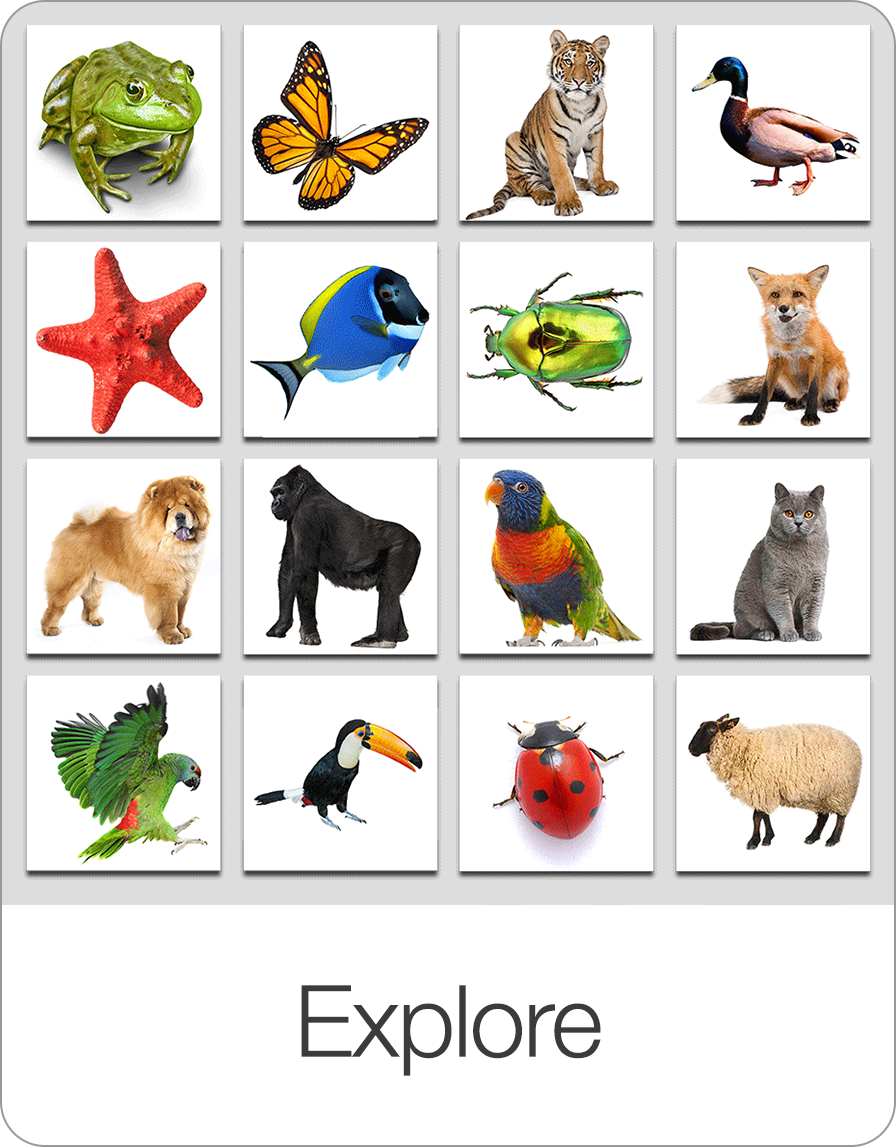
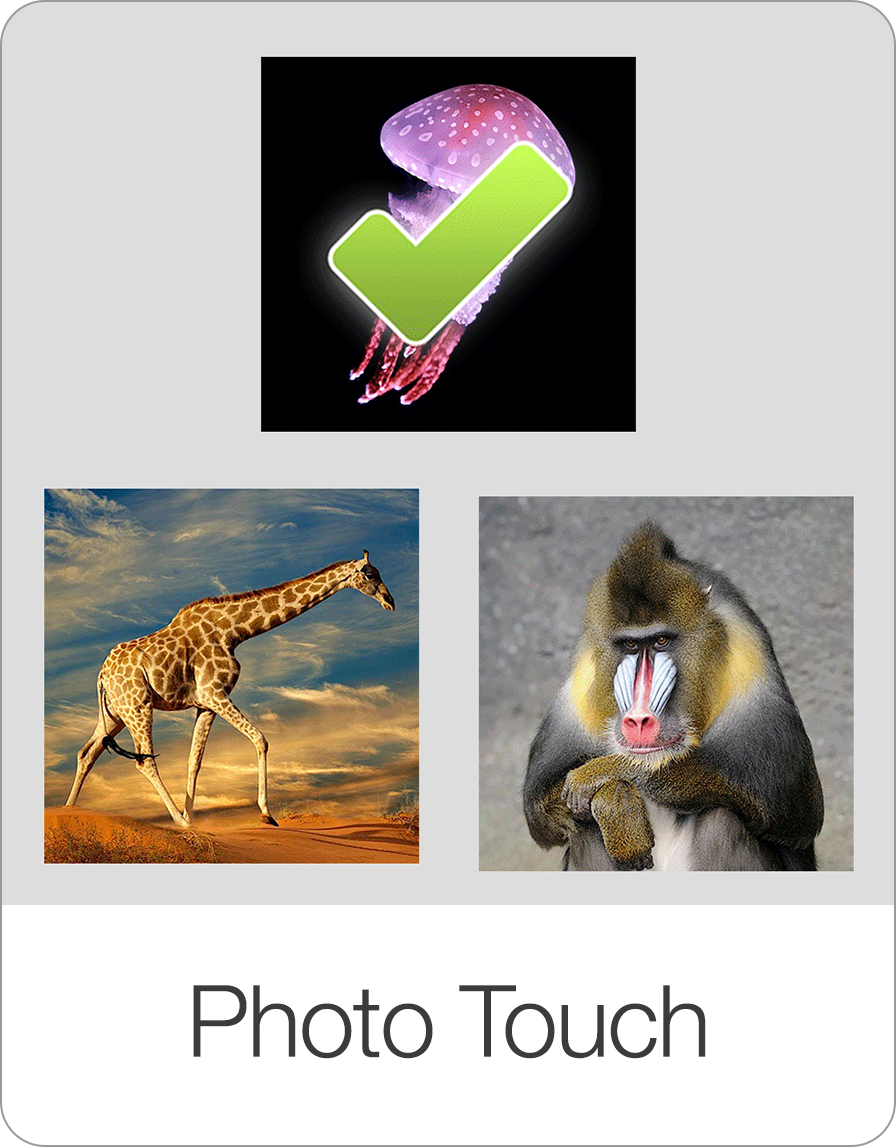
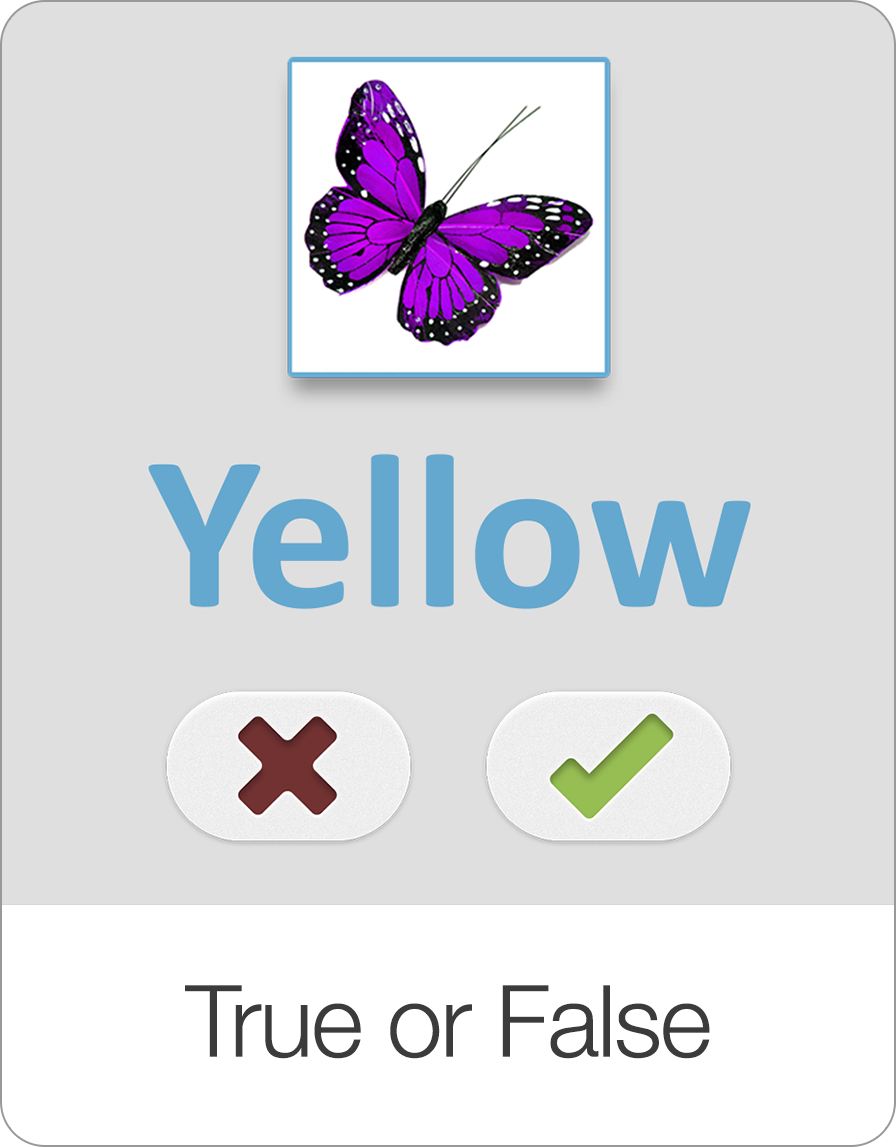
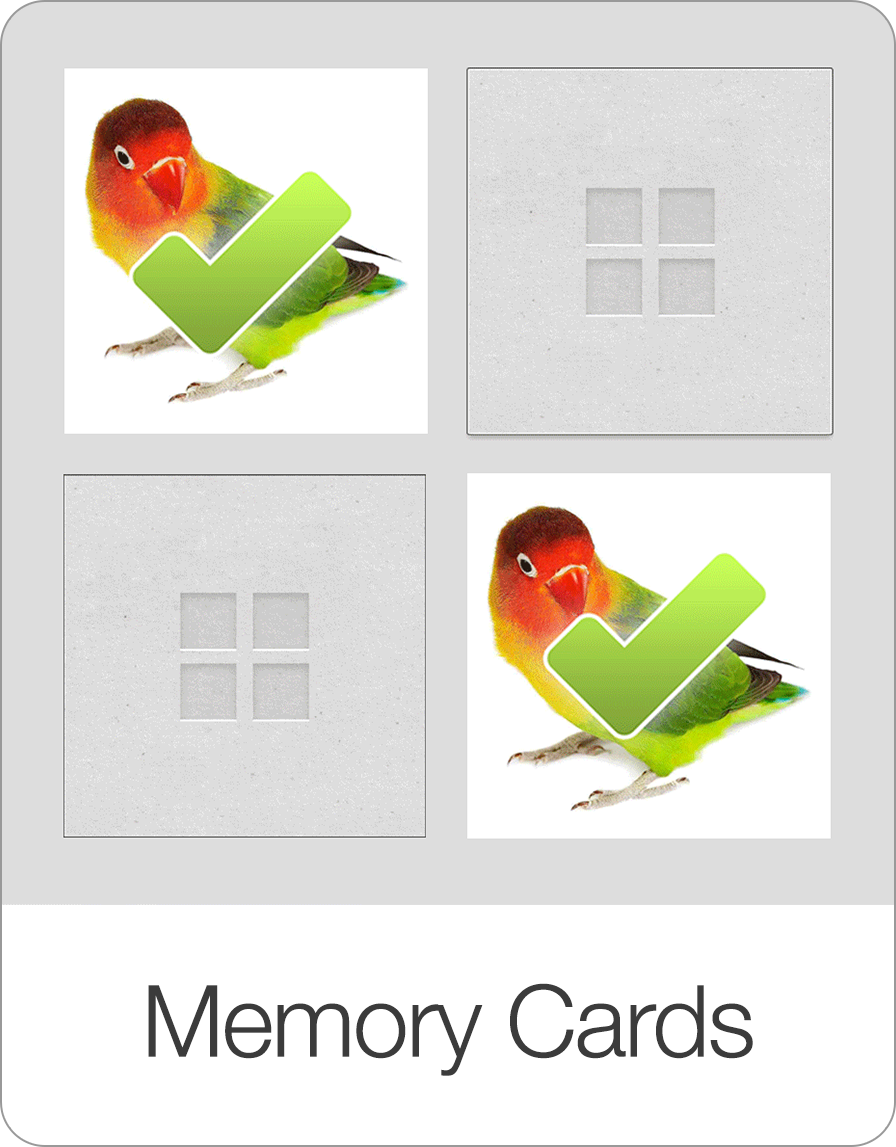
Learn about all the other games on Bitsboard
Explore our complete suite of educational games designed to make learning reading, spelling, math, and coordination fun and interactive.




Start Learning with Bitsboard
Unlock over 30 interactive mini-games, thousands of pre-made learning boards, and the power to fully customize your own lessons. Perfect for toddlers, students, educators, and speech therapists!
Download on the
App Store