
Word Search
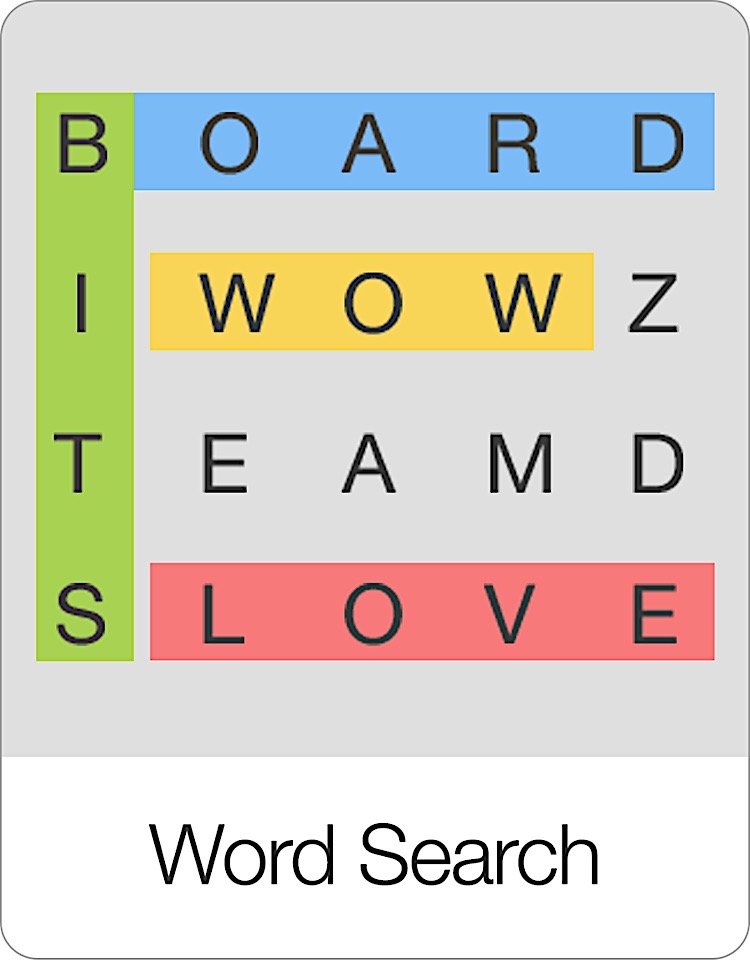
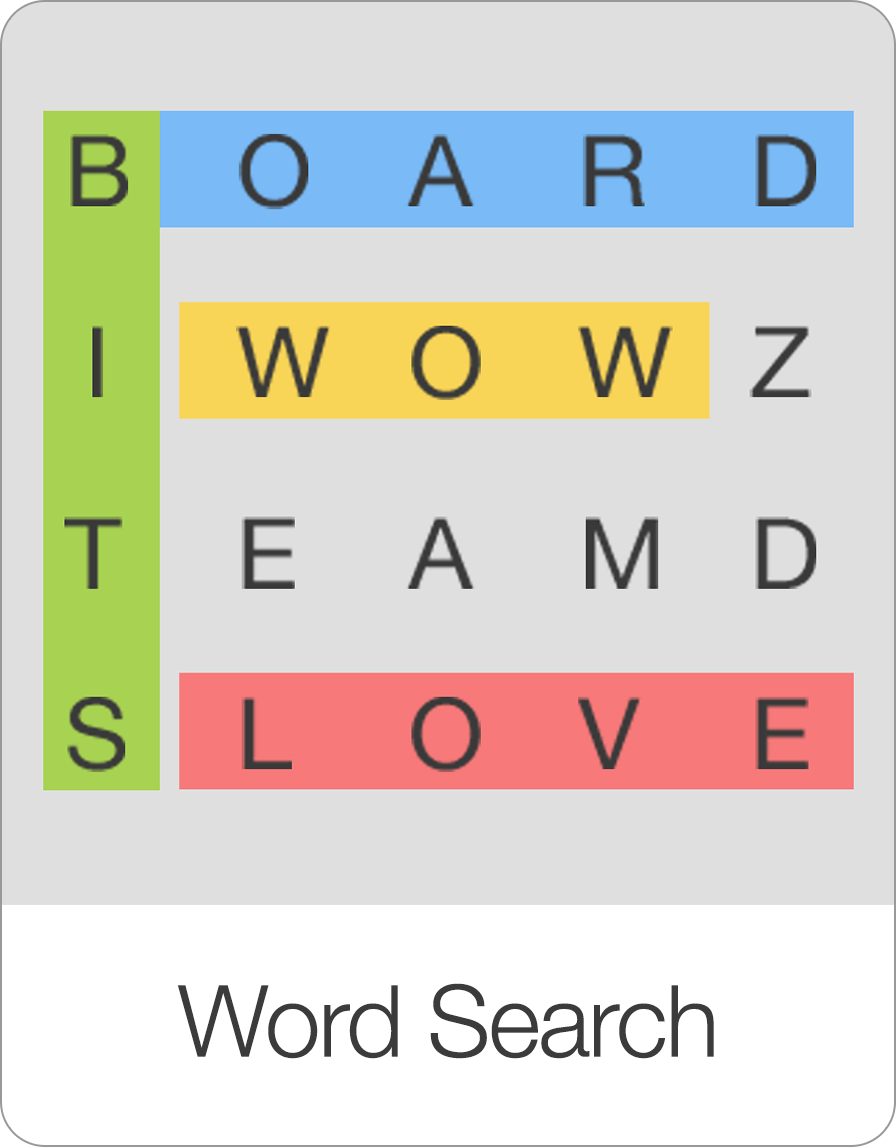
Word Search is a brilliant new word game that will be instantly recognizable and fun for all ages. The goal of Word Search is to find all of the indiv...
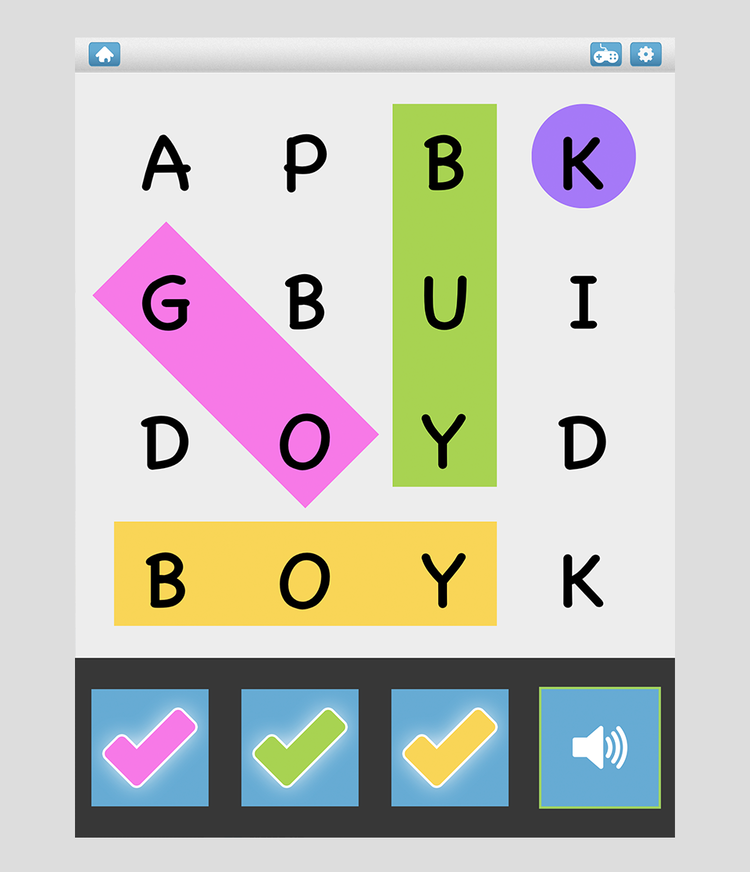
Word Search is a brilliant new word game that will be instantly recognizable and fun for all ages. The goal of Word Search is to find all of the individual words based on the clues that are provided (i.e. pictures, audios, or full sentences).
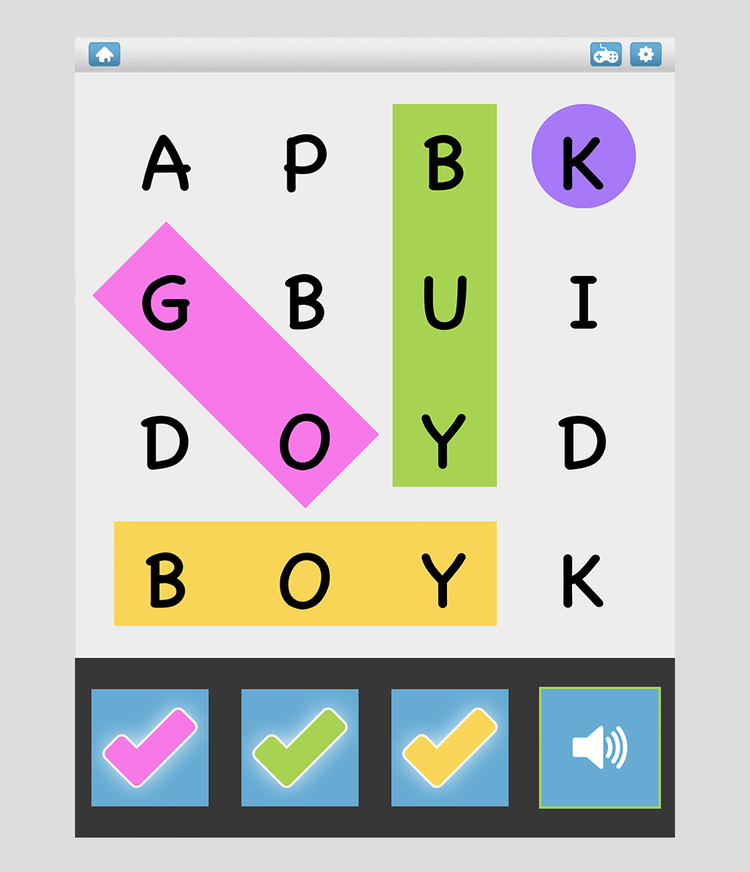
Word Search is highly customizable.
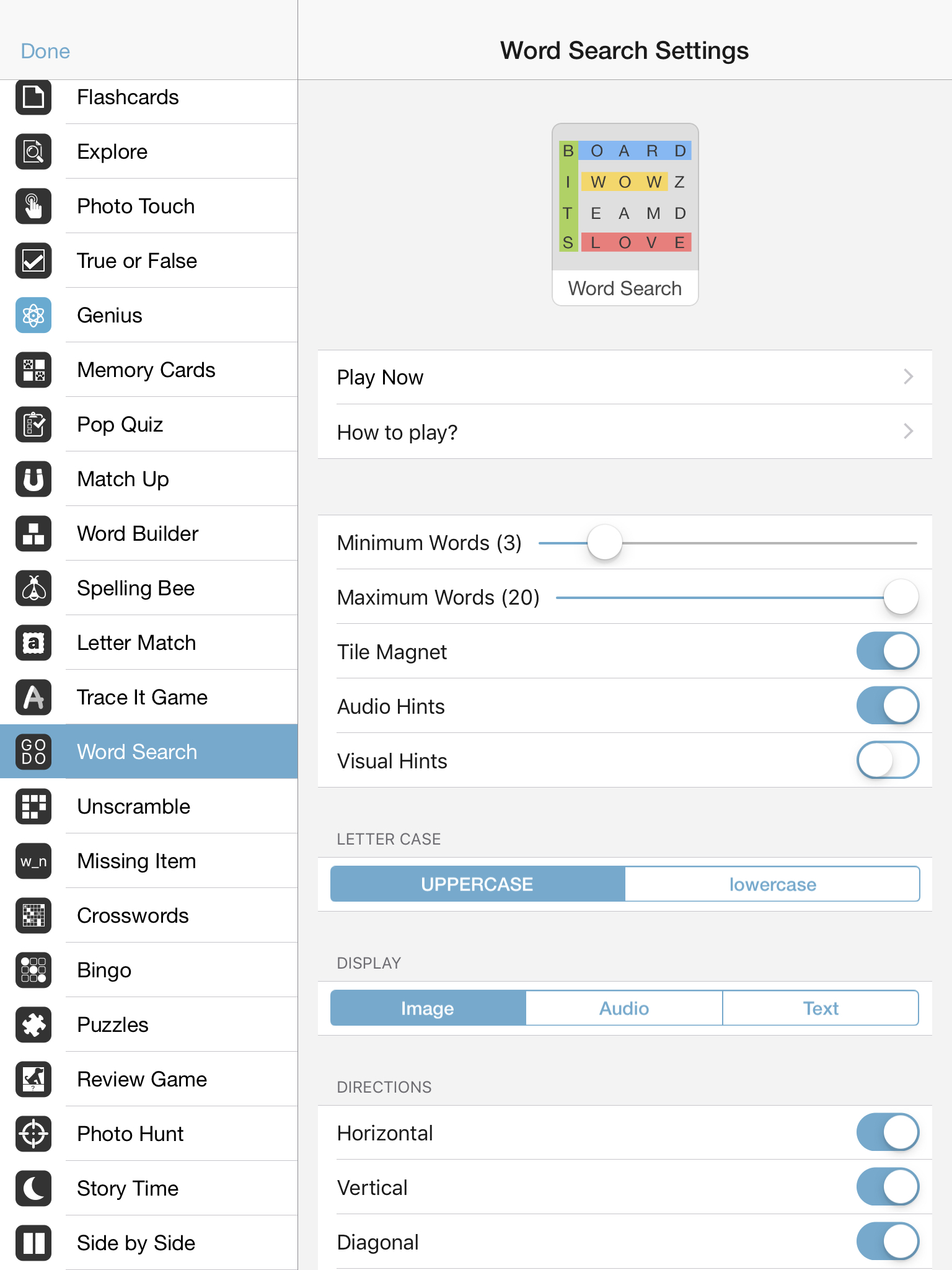
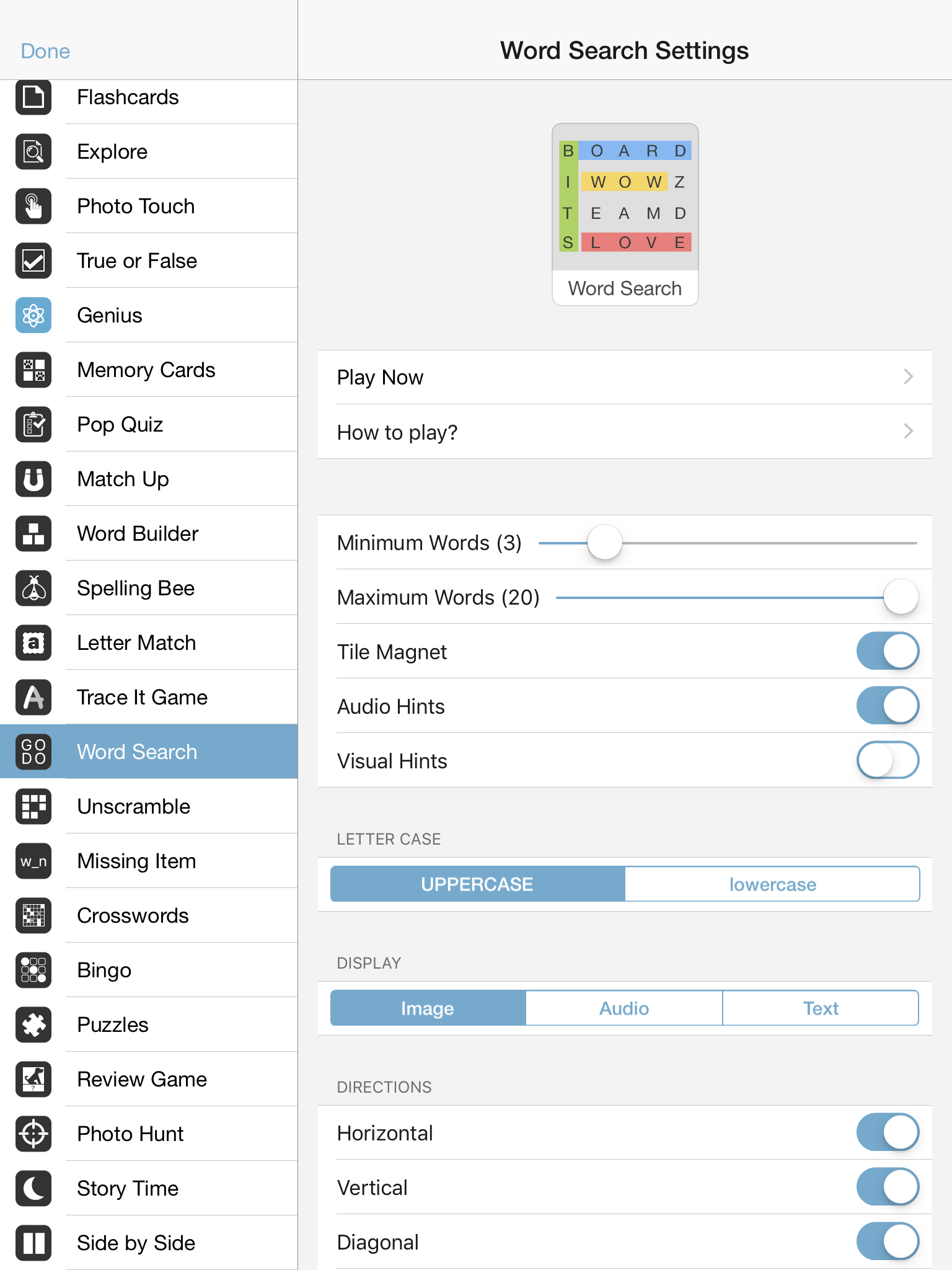
The settings options include
Min. Words: Here you specify the min. number of words to display.
Max. Words: Here you specify the max. number of words to display.
Tile Magnet: . For advanced players, you can turn the tile magnet OFF. Turning the tile magnet off means that the tiles will no longer automatically snap into the correct answer tile. The user now has to release a tile above the correct answer.
Audio Hints: Play the audio of the target word.
Visual Hints: Highlight the first letter of the target word after 5 seconds of inaction.
Letter Case:
Uppercase: Display all letters in UPPERCASE
Lowercase: Display all letters in lowercase
Display:
Image: Displays the image hint for each target word
Audio: Displays the audio hint for each target word
Text: Displays the text for each target word
Directions: Here you set in which direction target words are allowed to appear in the Word Search game.
Horizontal: Find words from left to right
Vertical: Find words from top to bottom
Diagonal: Find words from top left to bottom right
Horizontal backwards: Find words from right to left
Vertical backwards: Find words from bottom to top
Diagonal: Find words from bottom right to top left
Overlapping words: Allow words to overlap
Session Length:
Per round: Include between 1 and 20 items per round or all items.
Rounds: Go between 1 and 10 rounds or set it to continuous to keep playing without ever being interrupted by a scorecard.
Sequence:
A to Z: Bits will appear in alphabetical order
Random: Bits will appear in random order
As entered: Bits will appear in the order you set them
Progression:
Automatic: The game will automatically advance to the next screen after each correct answer.
Manual: The user has to click on the next button after each correct answer. Manual is a great option if you want to review what someone did before proceeding with the next question.
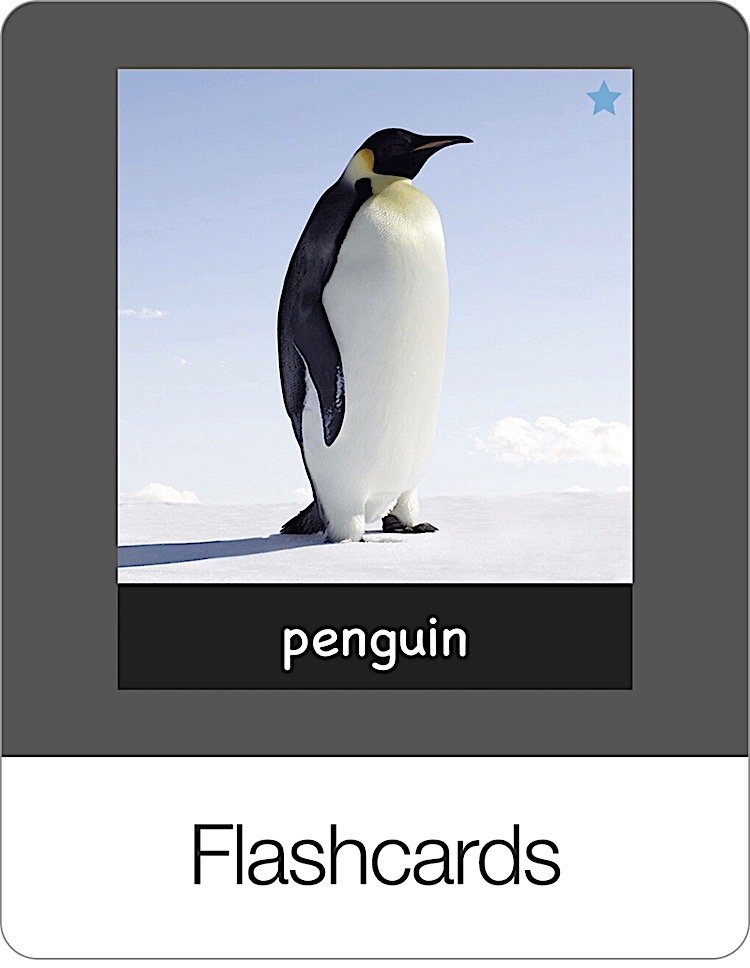
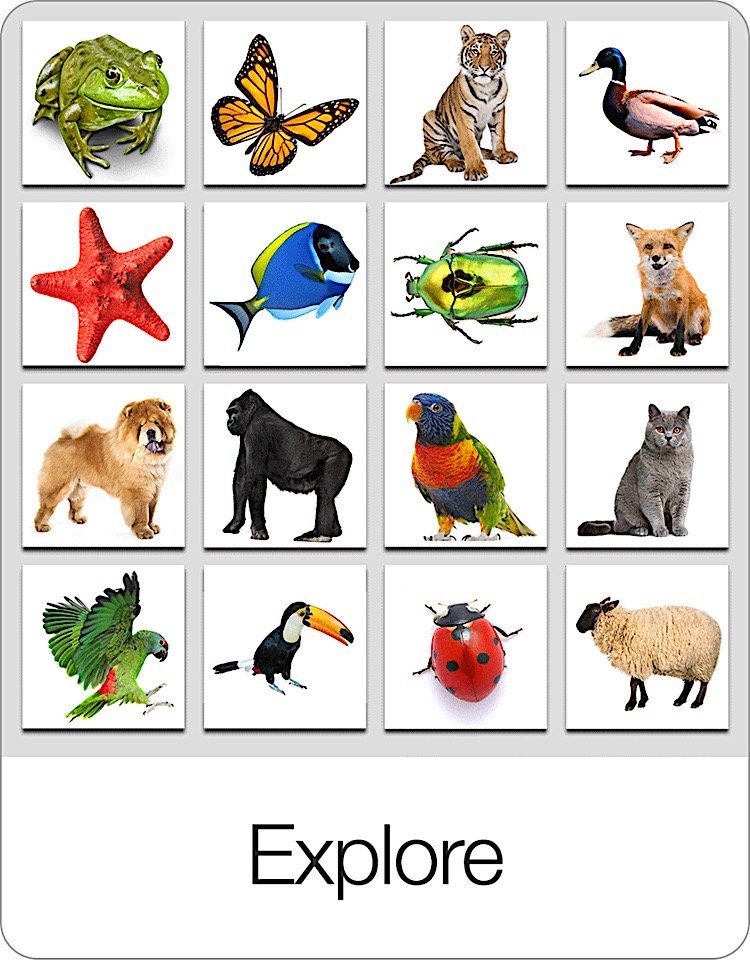
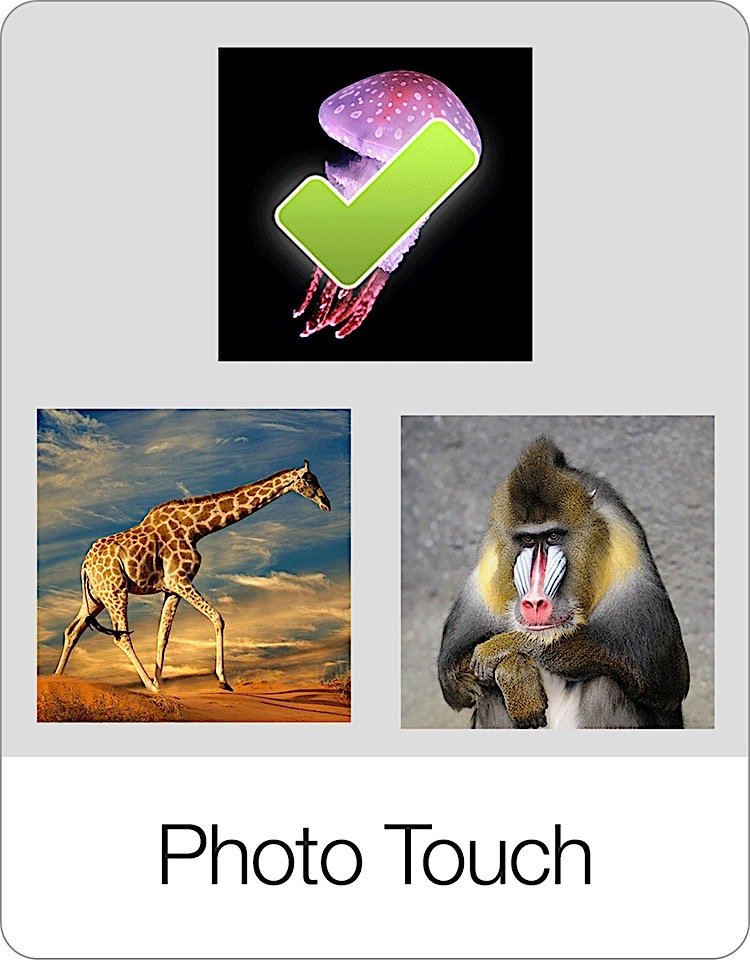
Learn about all the other flashcard games on Bitsboard
[
 ](/games/flashcards)
[
 ](/games/explore)
[
 ](/games/photo-touch)
[
 ](/games/true-or-false)
[

 ](/games/genius)
[

 ](/games/memory-cards)
[
 ](/games/pop-quiz)
[
 ](/games/match-up)
[
 ](/games/word-builder)
[
 ](/games/spelling-bee)
[

 ](/games/letter-match)
[
 ](/games/trace-it)
[

 ](/games/word-search)
[
 ](/games/unscramble)
[
 ](/games/secret-words)
[
 ](/games/missing-letter)
[

 ](/games/crosswords)
[
 ](/games/listen-up)
[
 ](/games/bingo)
[
 ](/games/puzzles)
[
 ](/games/review-game)
[
 ](/games/reader)
[
 ](/games/story-time)
[
 ](/games/side-by-side)
[

 ](/games/photo-hunt)
[

 ](/games/odd-one-out)
[
 ](/games/related-items)
[
 ](/games/board-creator)
[

 ](/games/whats-next)
[

 ](/games/math-race)
[
 ](/games/memory-math)
[
 ](/how-to-setup-math-facts)
[
 ](/games/racing-rivals)
[
 ](/how-to-play-the-battle-game)
Screenshots
Therapeutic & Classroom Outcomes
- Bitsboard is widely used by speech-language pathologists (SLPs) as a supplementary tool for articulation, vocabulary, and cognitive exercises.
- Teachers and special educators use Bitsboard to build highly customized curriculums that adapt to individual IEP goals.
Learn about all the other games on Bitsboard
Explore our complete suite of educational games designed to make learning reading, spelling, math, and coordination fun and interactive.
Start Learning with Bitsboard
Unlock over 30 interactive mini-games, thousands of pre-made learning boards, and the power to fully customize your own lessons. Perfect for toddlers, students, educators, and speech therapists!
Download on the
App Store