Board Creator
The Board Creator game makes creating your own custom content fun, simple, and easy. Previously, you had to go to the settings page to create your own...
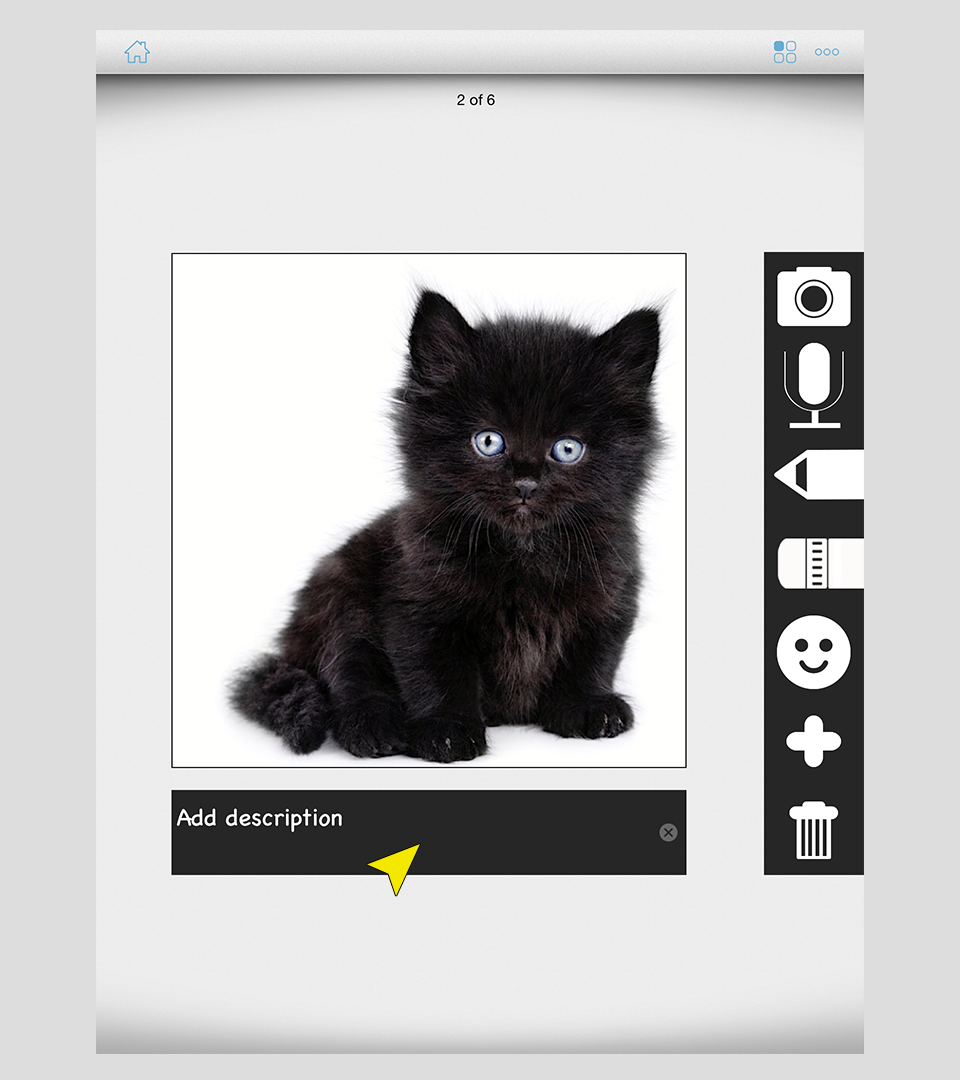
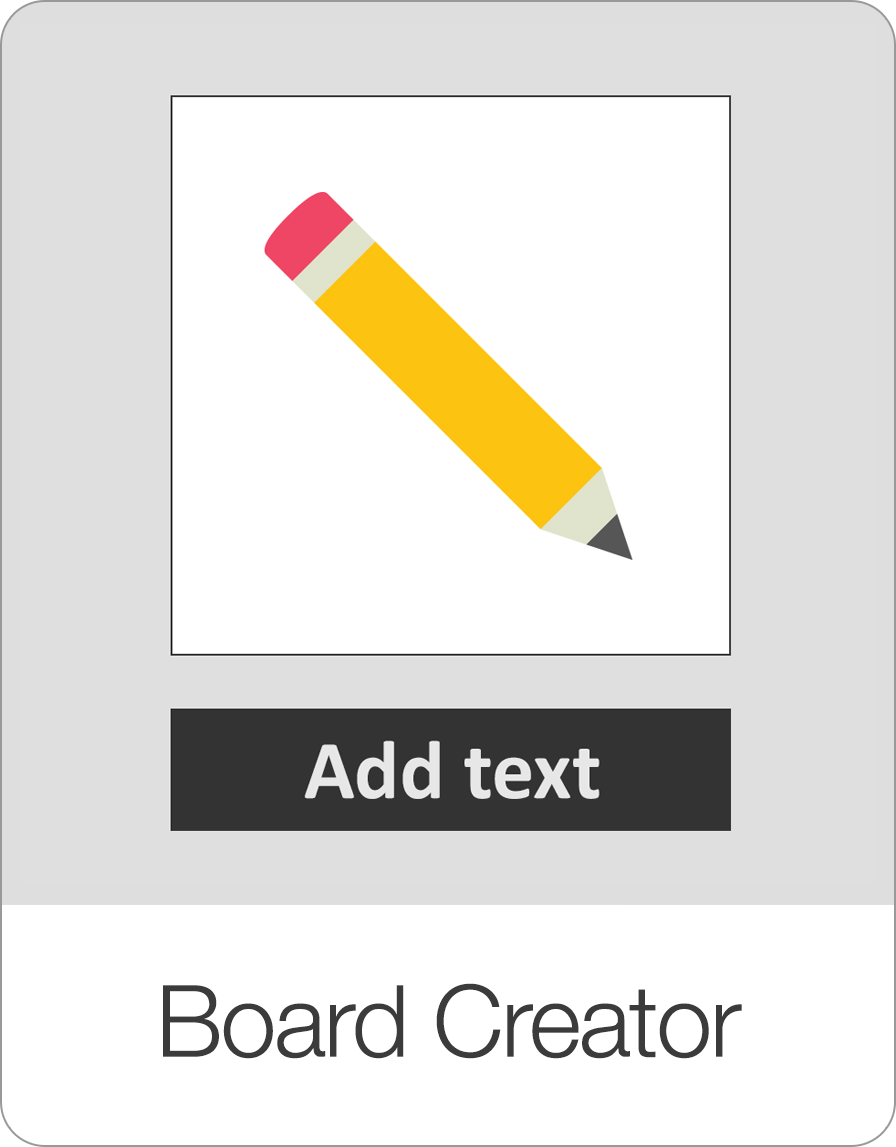
The Board Creator game makes creating your own custom content fun, simple, and easy. Previously, you had to go to the settings page to create your own boards. While that option is still available and even necessary to take advantage of some of Bitsboard's advanced features (such as specifying the order of items in each board and marking items as related), the Board Creator turns creating content into a fun activity that has become a big hit with students and teachers alike.
The Board Creator game even supports the ability to draw on each card.
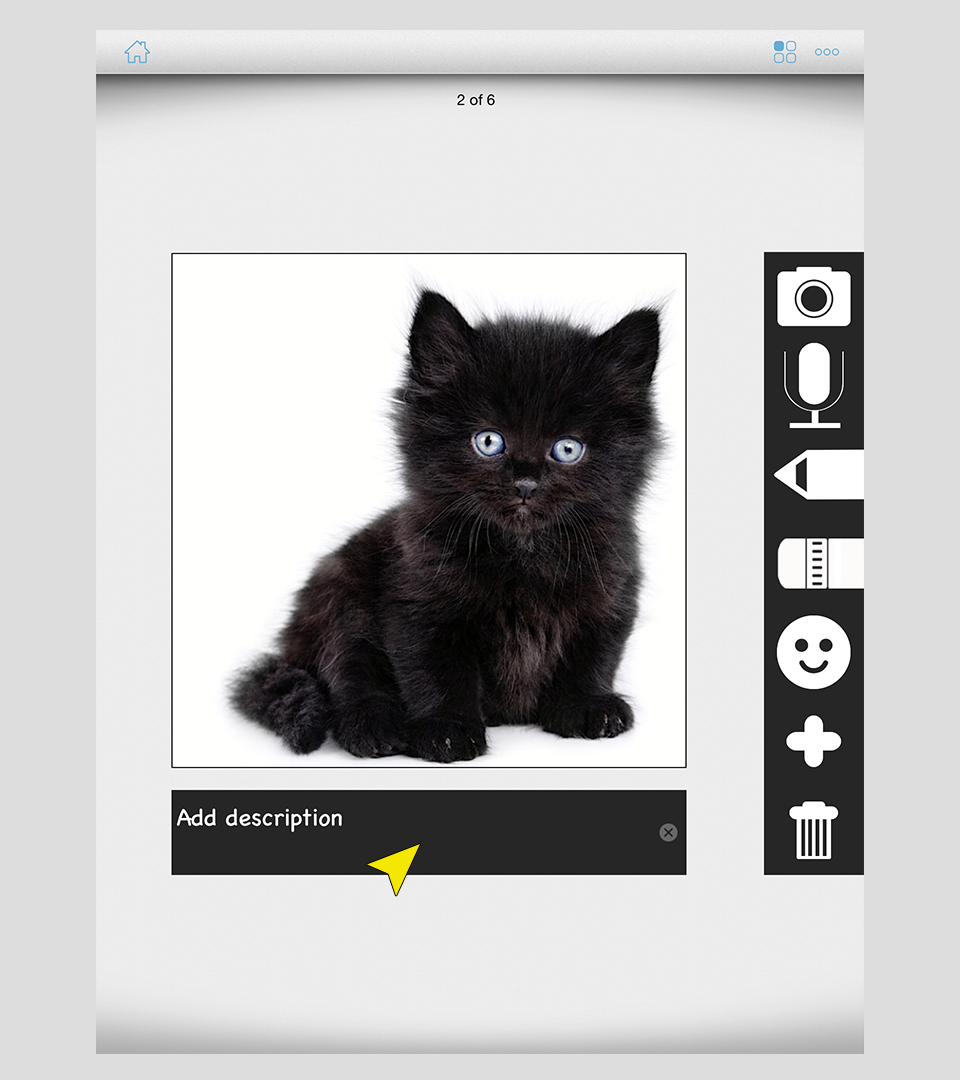
You can customize the color and even the thickness of the line that you want to draw.
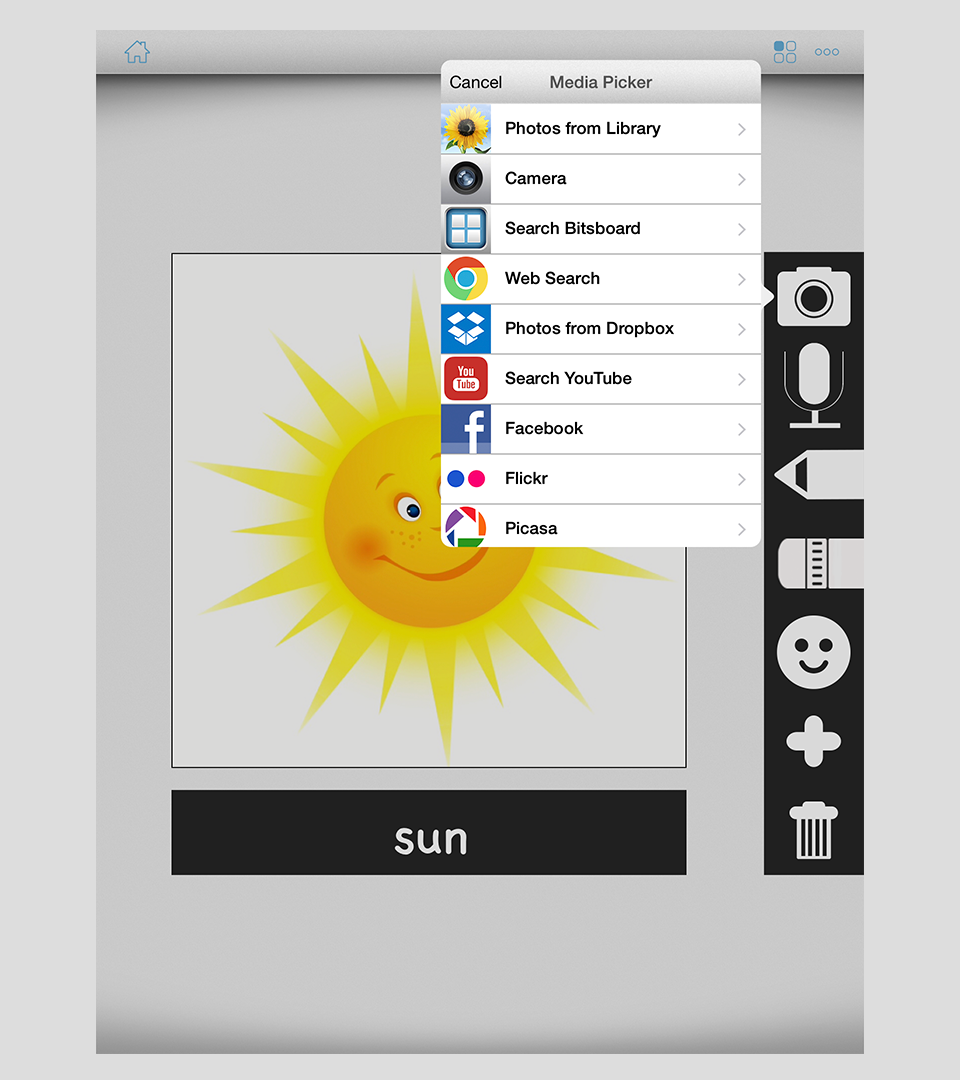
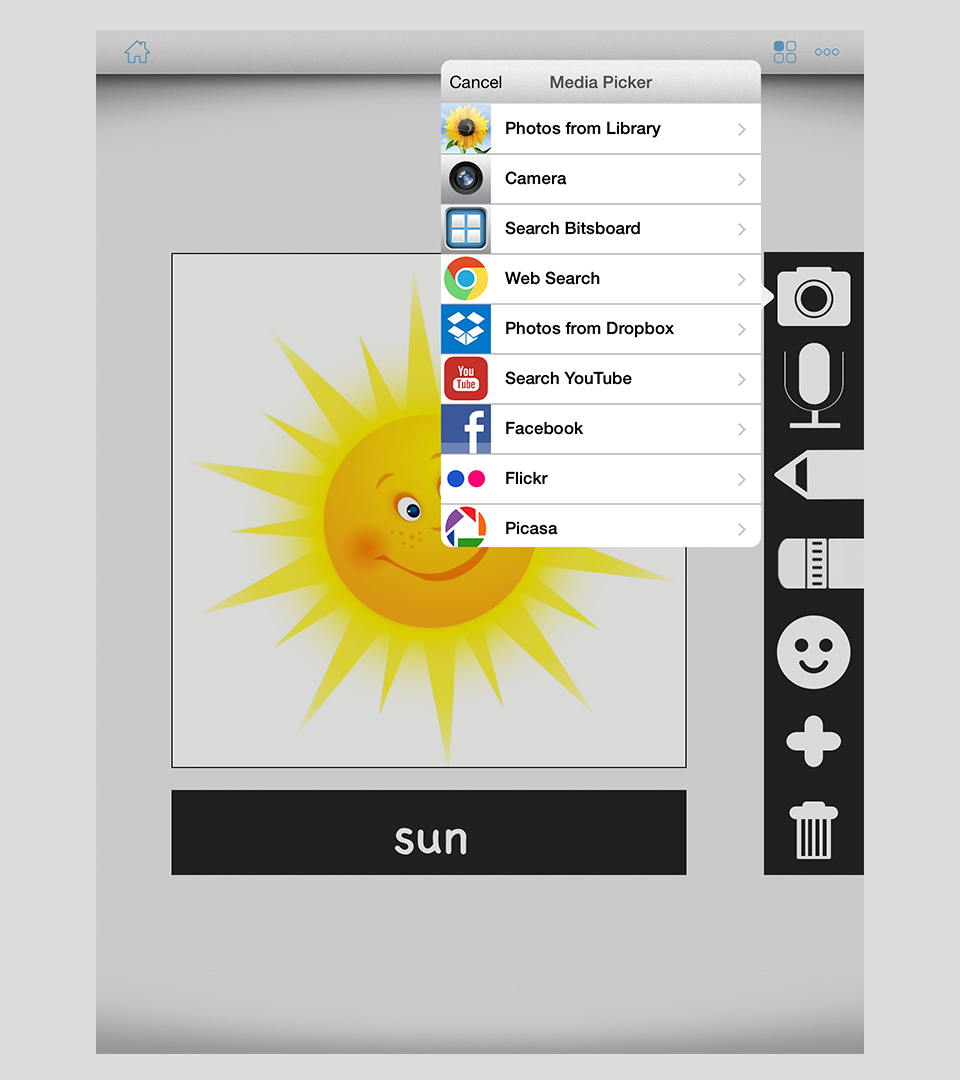
While you can draw your own shapes and even paint your own pictures, you can of course continue to add your own photos as well as Photos from the Bitsboard photo library or finding photos from the web.
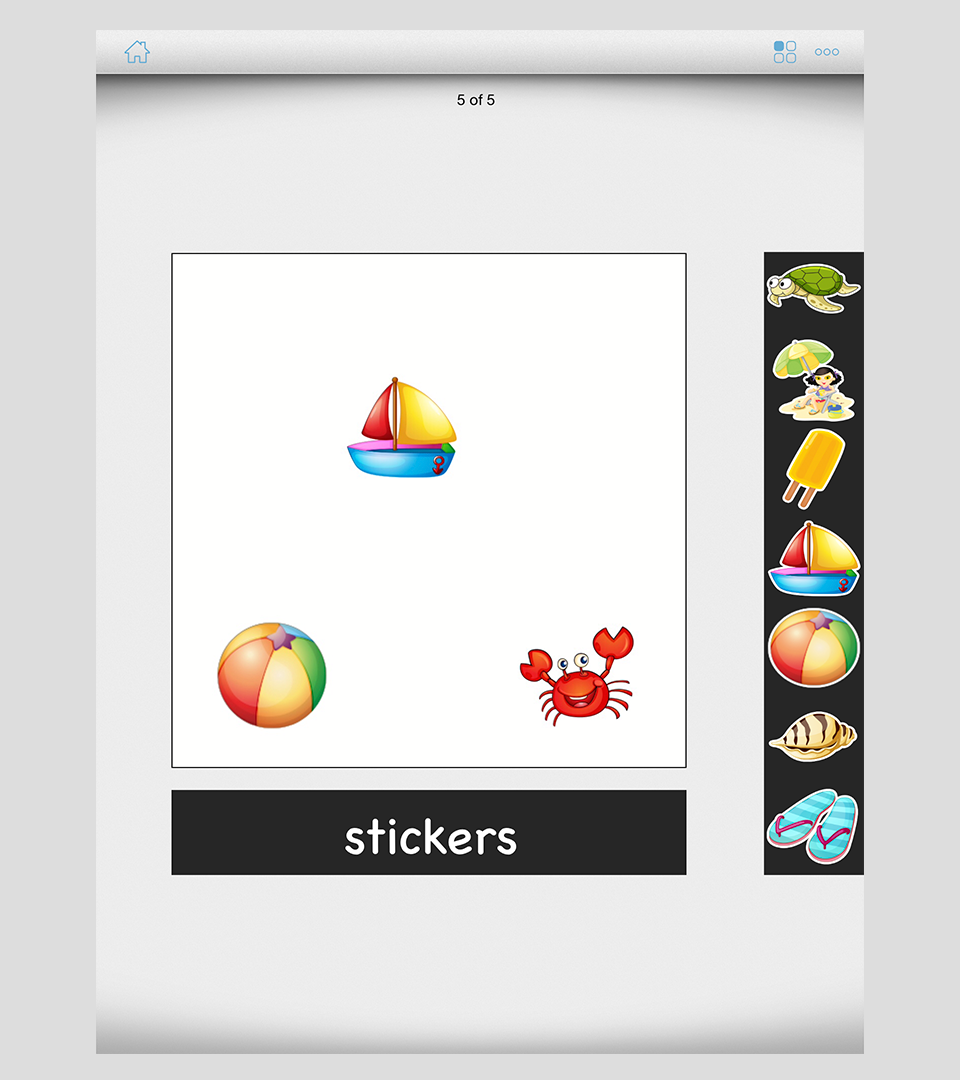
To make creating content more fun, we have even added the ability to add stickers which is always a big hit especially with the little ones.
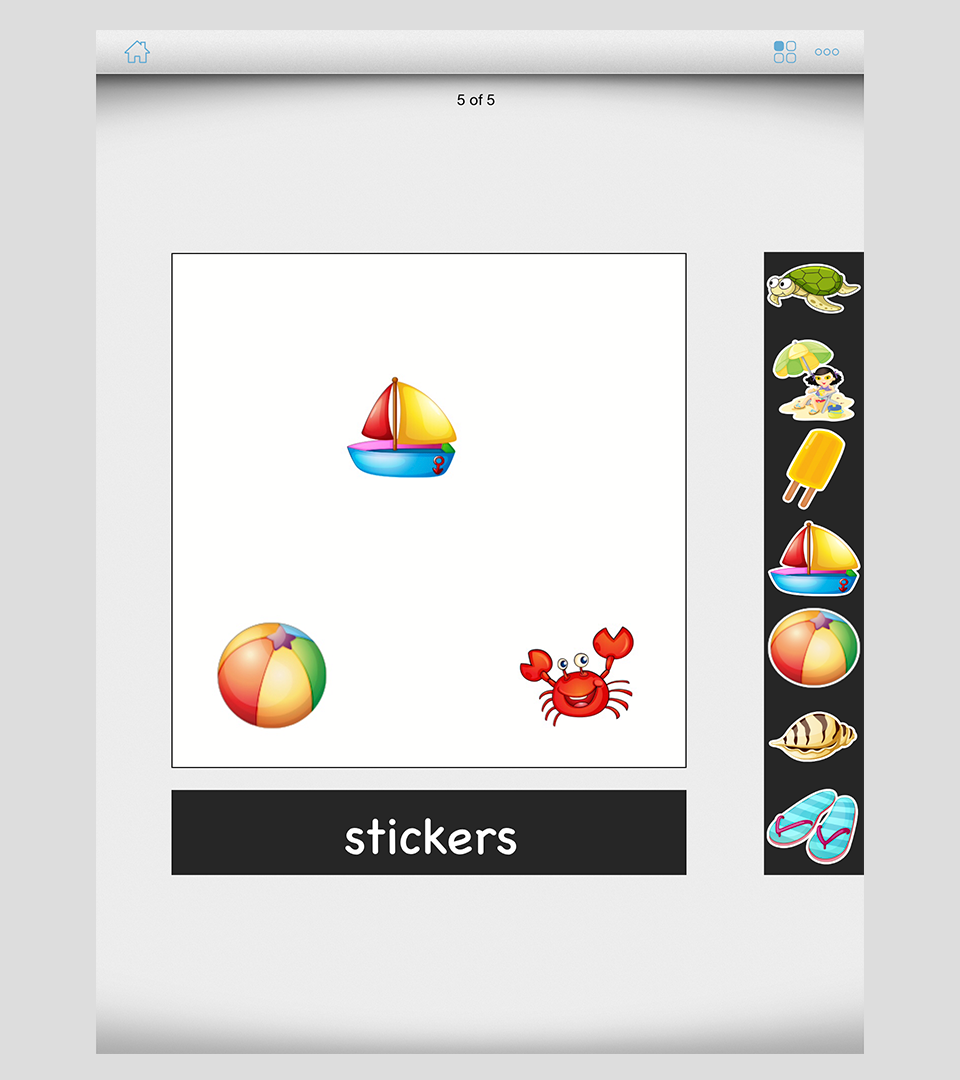
You can even add a description for each page in the Board Creator. How? Just double tap on the text label to toggle between adding the title vs. the description for each card.
Like all Bitsboard games, the Board Creator is also customizable.
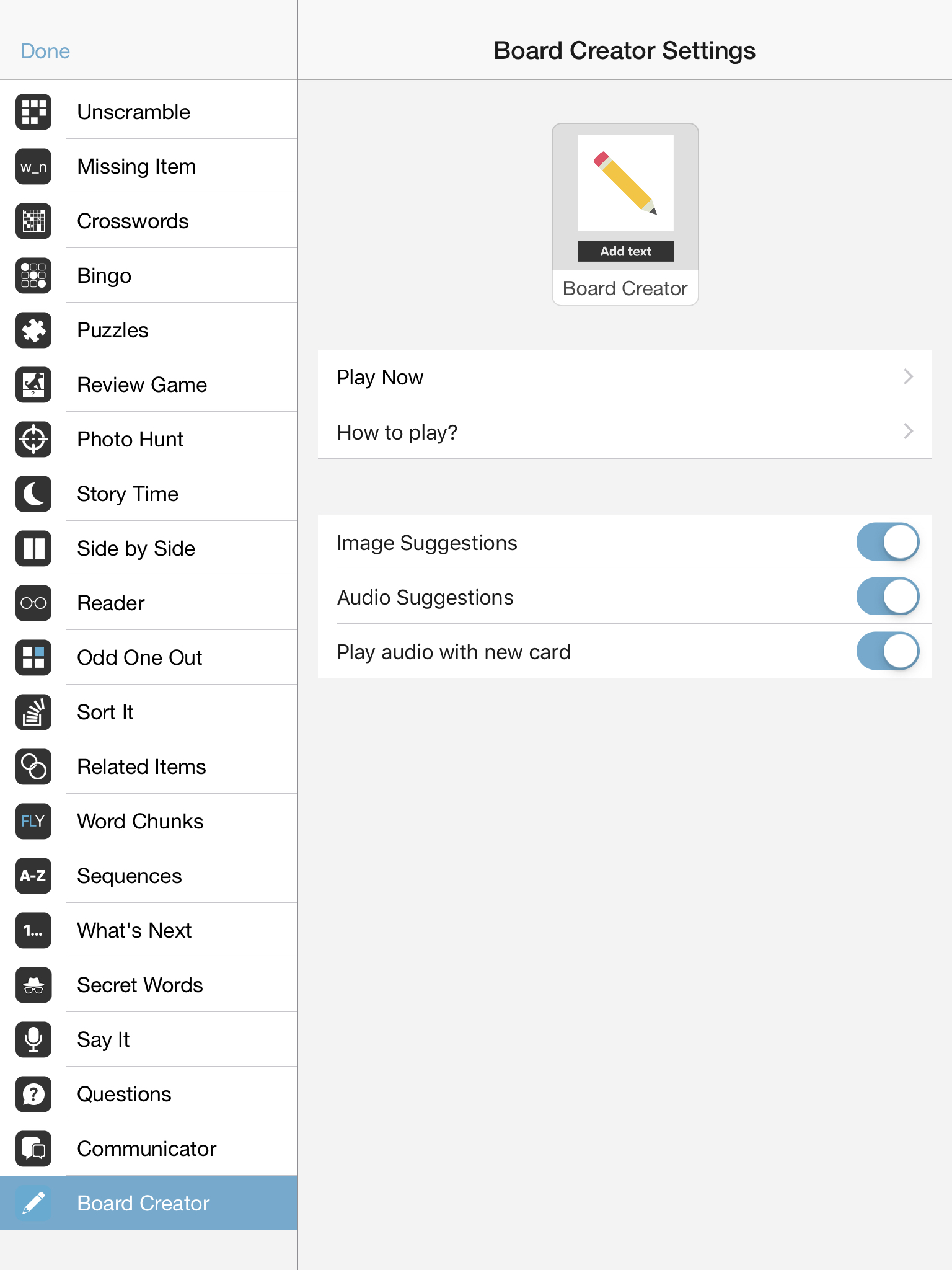
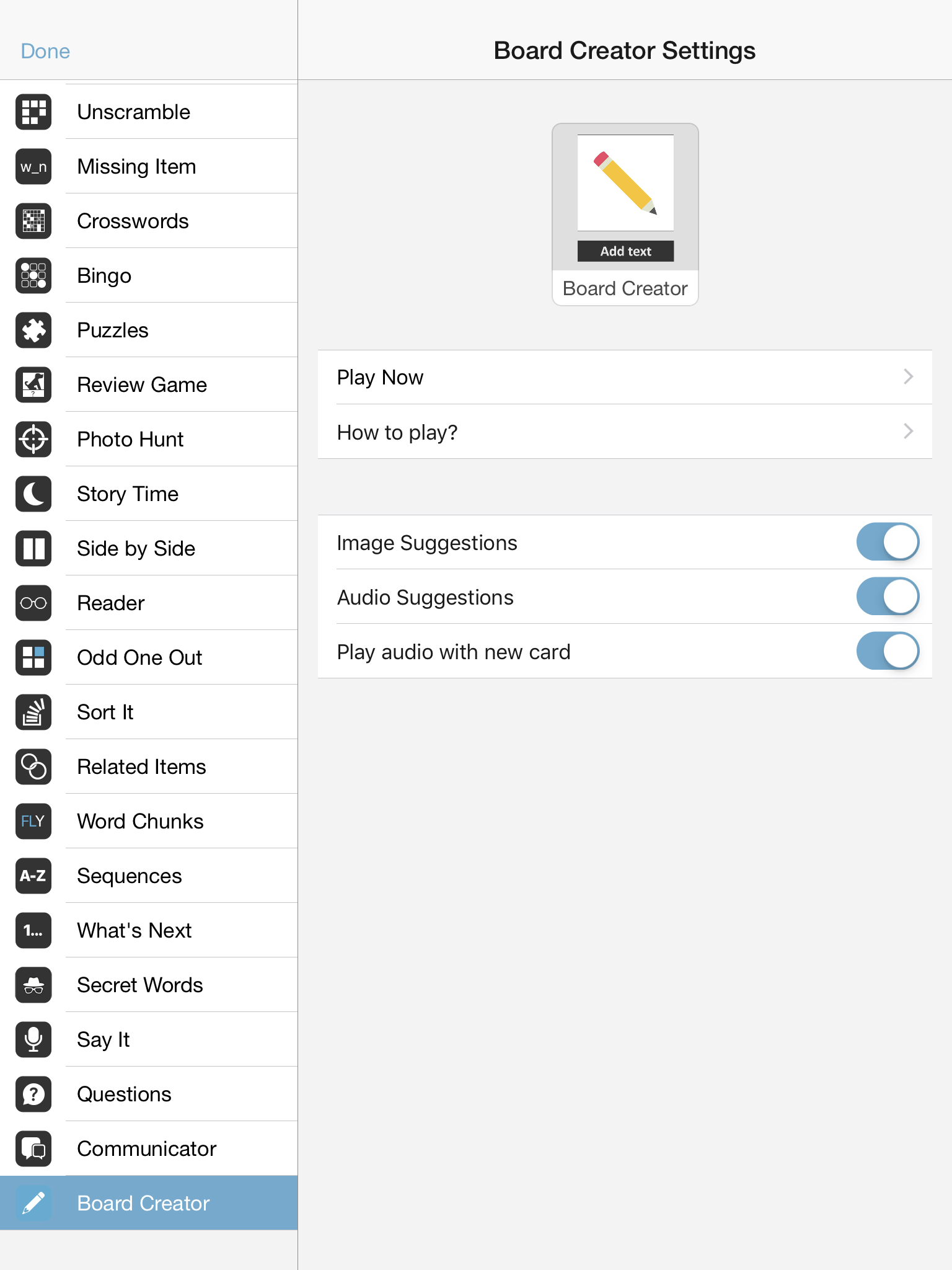
The settings options include
Image Suggestions: Turn this feature on if you would like to see recommended photos appear as soon as you add the label for a card. For example, if you add the text "cat" you would instantly see a row of recommended "cat" photos appear.
Audio Suggestions: Turn this feature on if you would like to see recommended audio appear as soon as you add the label for a card. For example, if you add the text "cat" you would instantly have the "cat" audio preloaded for the card without even having to do anything.
Play audio with new card: Turn this feature on if you would like to hear the audio (if any) while you look at each card in the board.
Screenshots
Therapeutic & Classroom Outcomes
- Bitsboard is widely used by speech-language pathologists (SLPs) as a supplementary tool for articulation, vocabulary, and cognitive exercises.
- Teachers and special educators use Bitsboard to build highly customized curriculums that adapt to individual IEP goals.
Learn about all the other games on Bitsboard
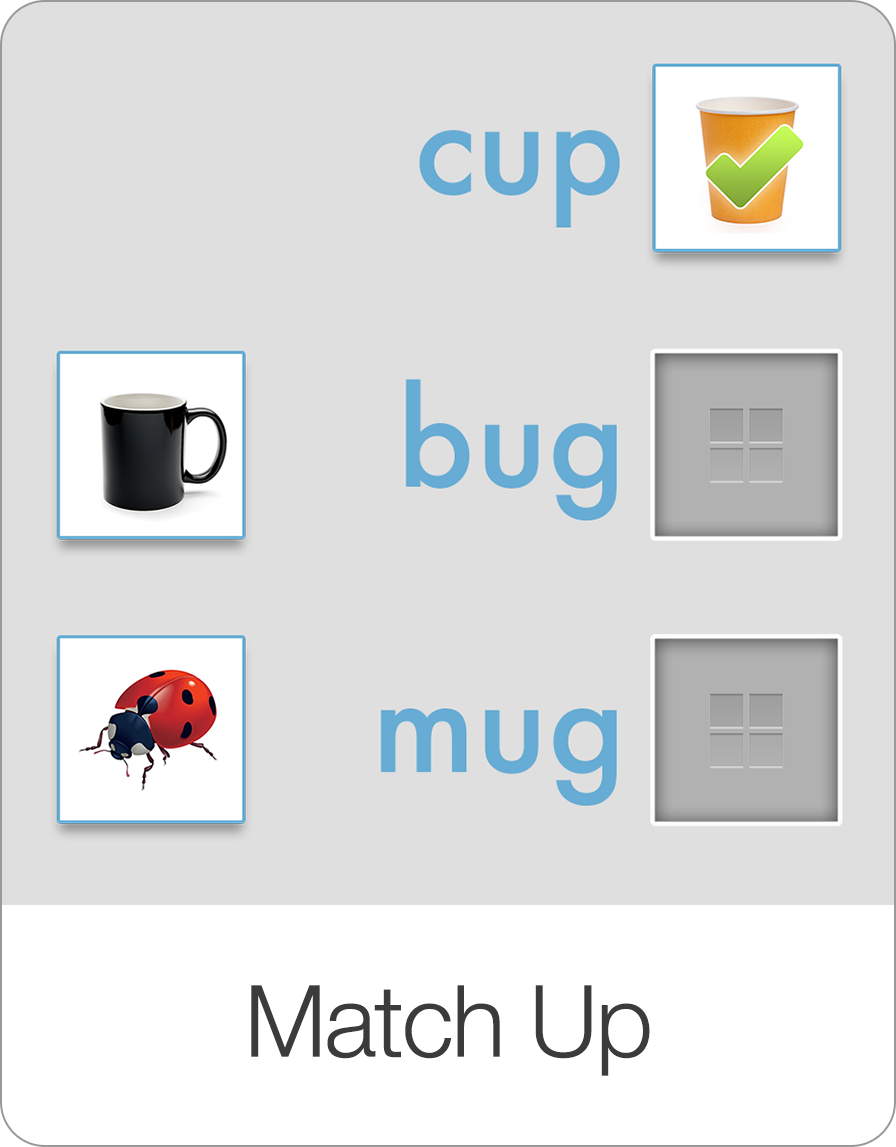
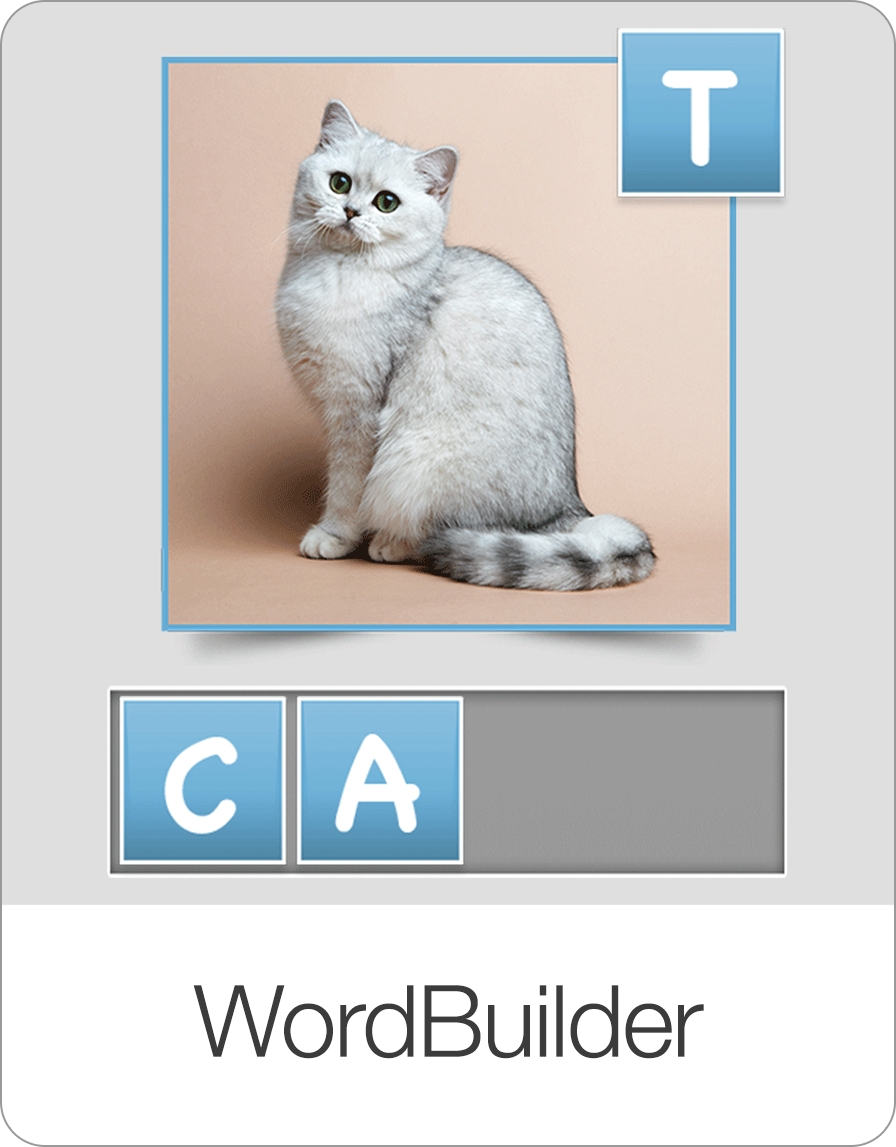
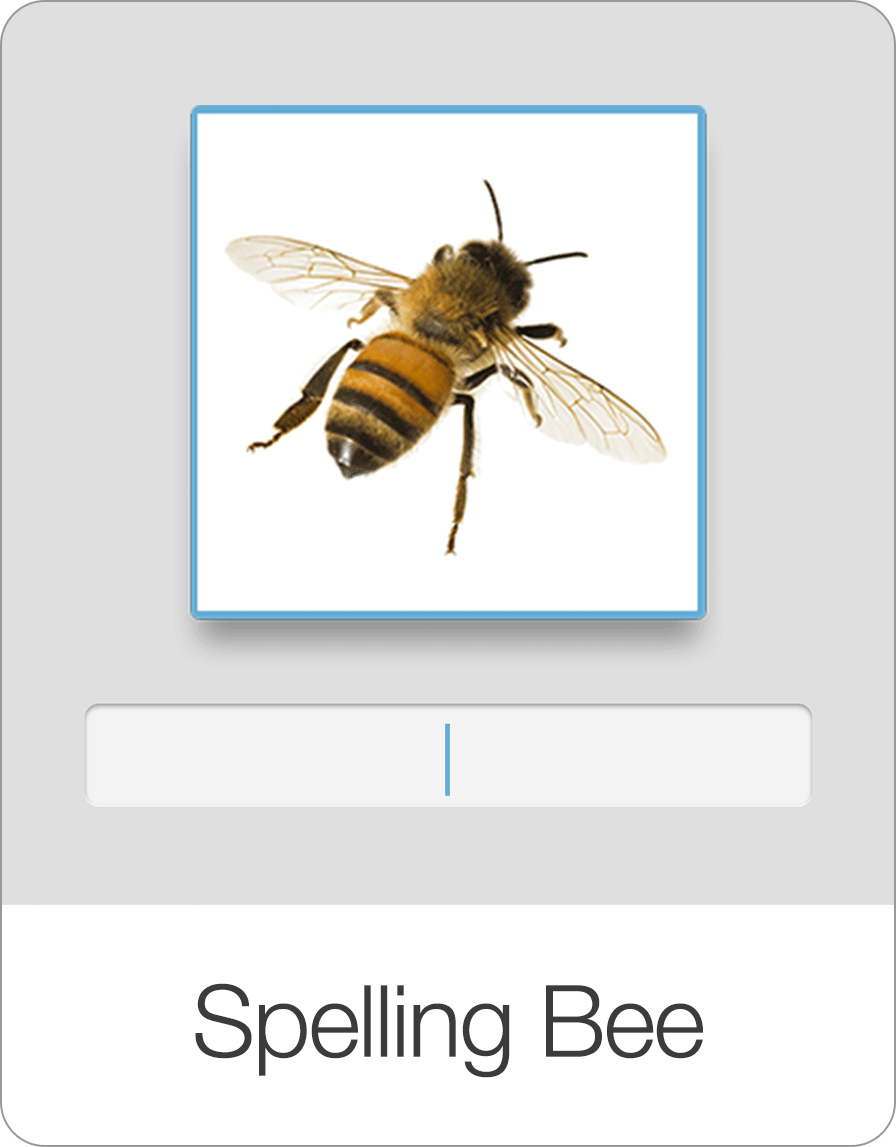
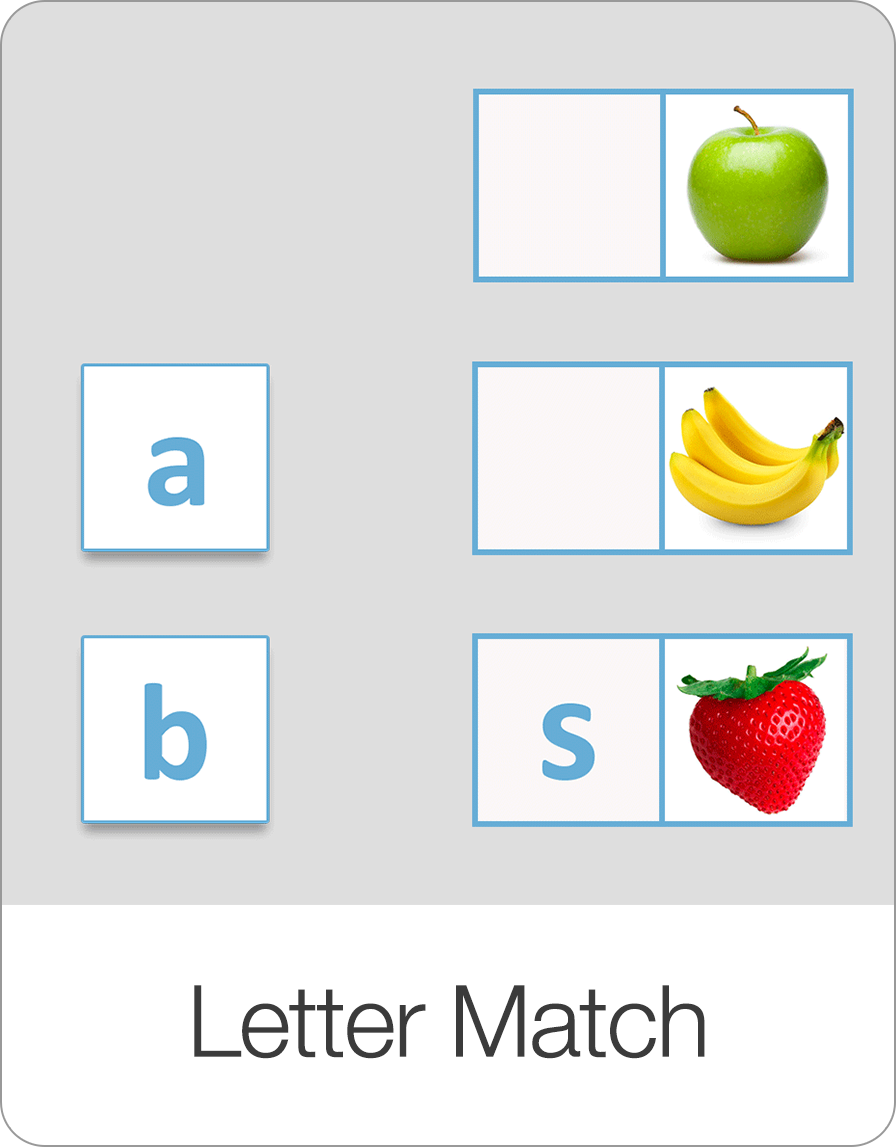
Explore our complete suite of educational games designed to make learning reading, spelling, math, and coordination fun and interactive.

Start Learning with Bitsboard
Unlock over 30 interactive mini-games, thousands of pre-made learning boards, and the power to fully customize your own lessons. Perfect for toddlers, students, educators, and speech therapists!
Download on the
App Store