How to Play the Battle Game?
Game SetupThe battle game is a really fun reading game to play with two or more players. A lot of teachers love to play this game with their entire cl...
Game Setup
The battle game is a really fun reading game to play with two or more players. A lot of teachers love to play this game with their entire class. All you need to do is to divide your class into a red and a blue team. Give each player a number or have each team stand in a line. The first player on each team starts to battle against the player of the other team.
How to play?
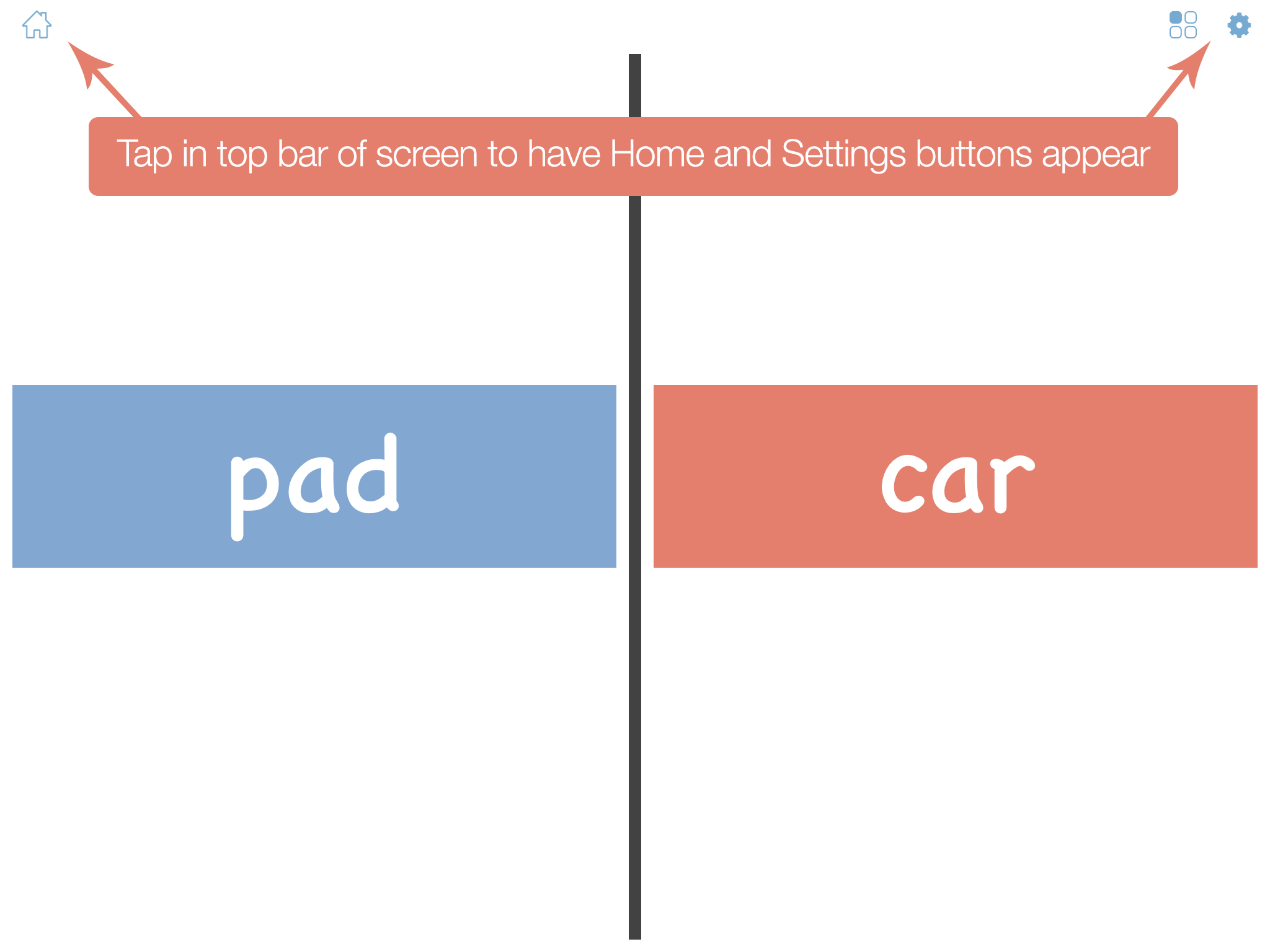
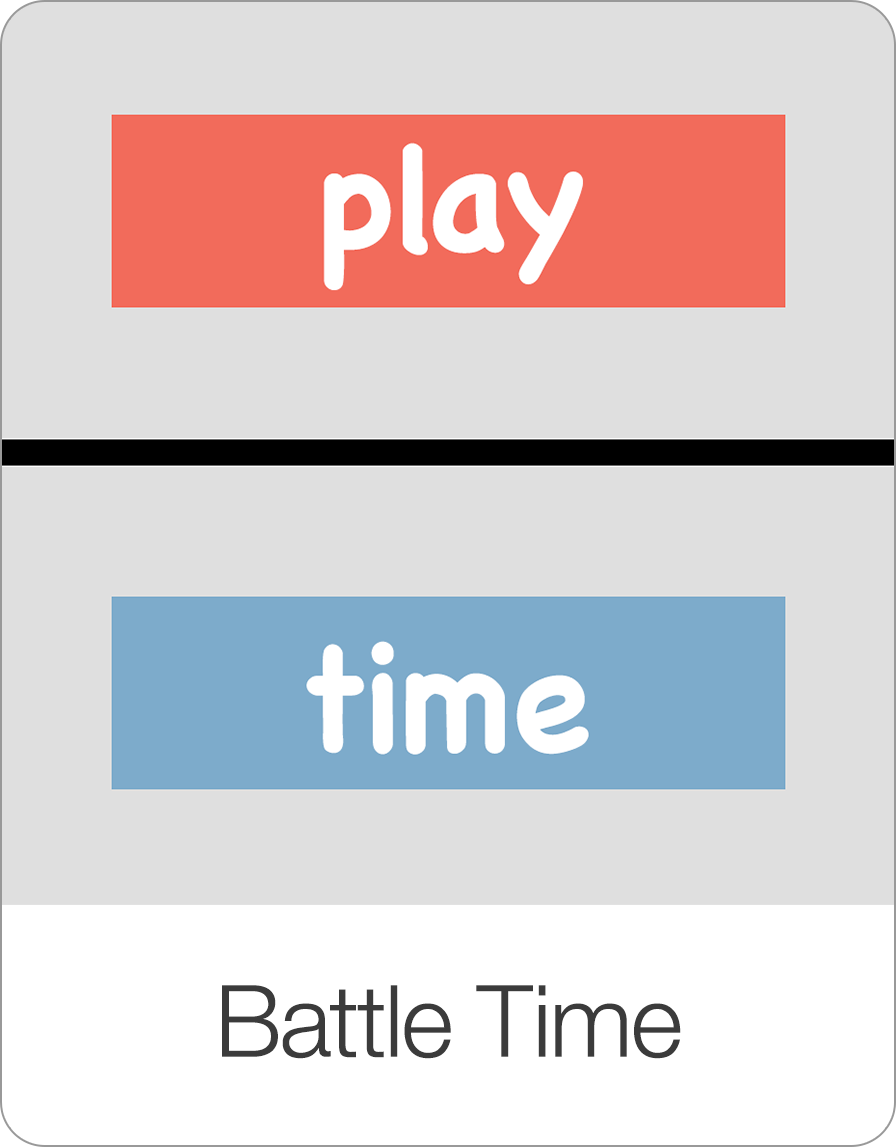
Launch the battle game and you will immediately see two words appear. One word for the blue team and one word for the red team. The player on the blue team has to correctly read the blue word and the player on the red team has to correctly read the red word.
Scoring Options
In the Game Settings you can select one of two scoring options:
First to answer: With this setting, the first player to read the word correctly gets a point. In this game speed is rewarded. However, if the first player reads the word incorrectly, then the other team automatically scores a point (they don’t even need to read the word). In other words, being fast and wrong causes you to give a point to the opposing team.
Both can answer: With this setting, speed does not matter. Each player has a chance to read the word and each player that reads a word correctly gets a point.
In both games, the scoring is administered by the teacher. After each round the teacher taps on the screen and then decides which team won the current round.
Example Session
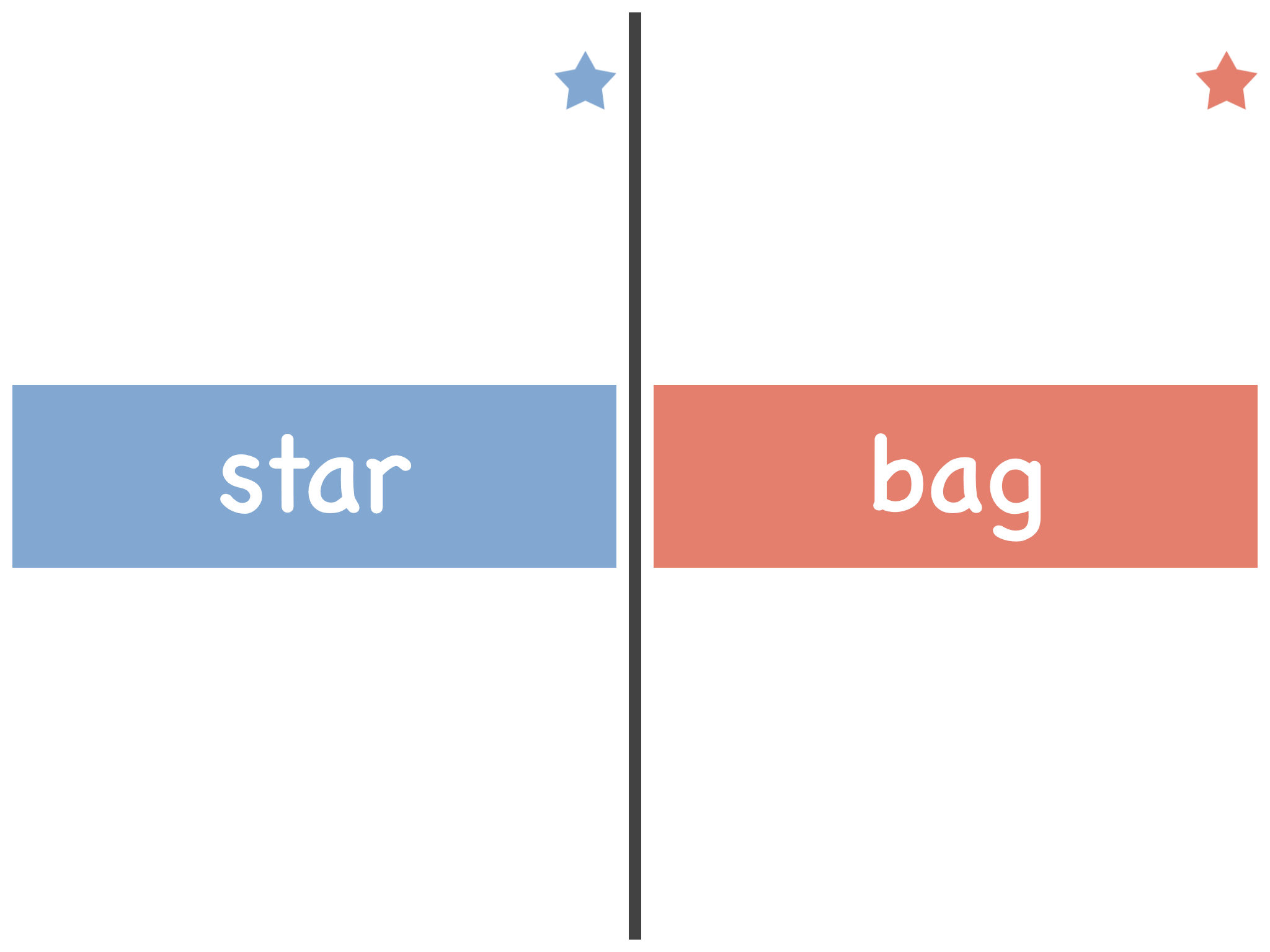
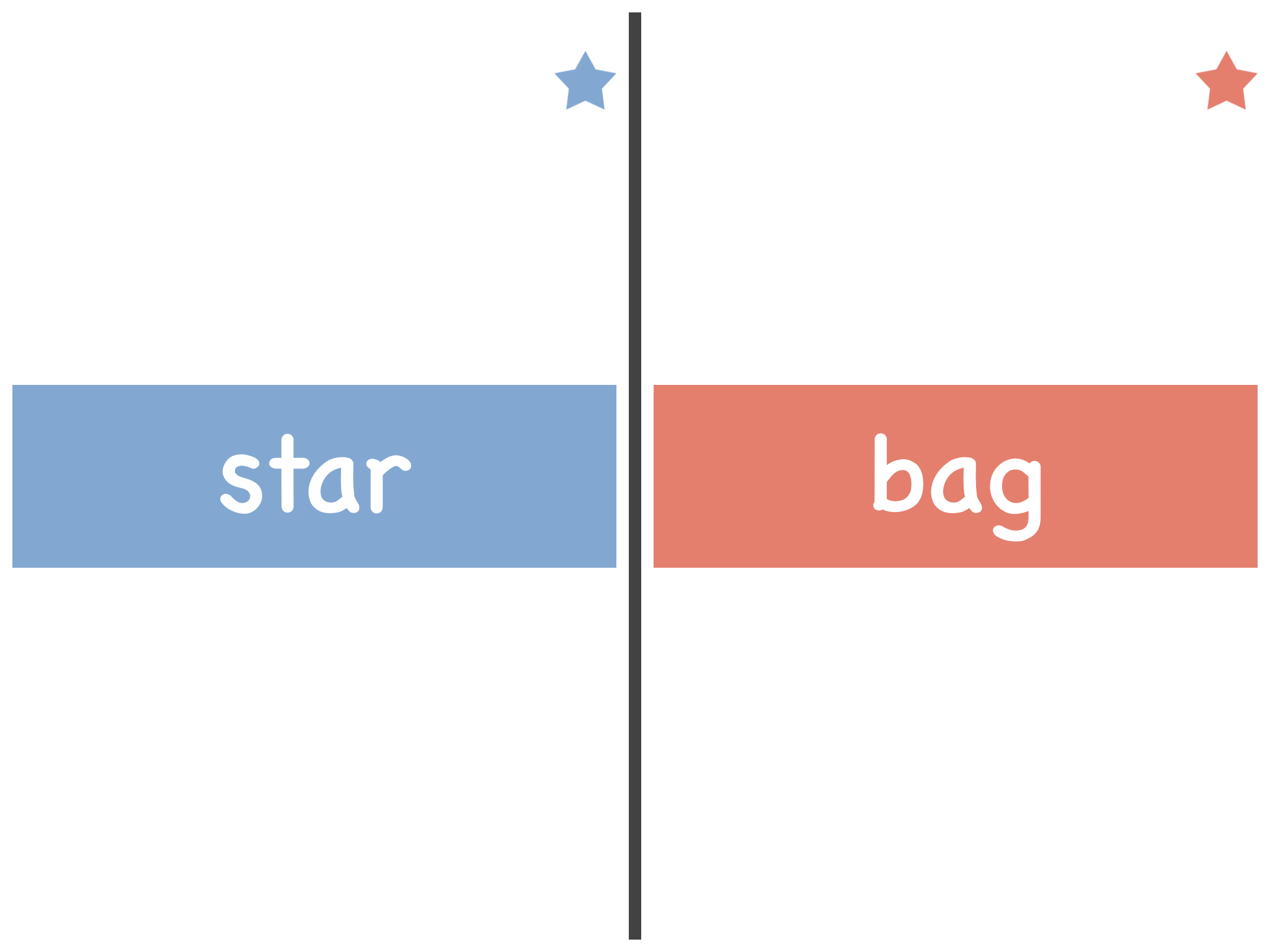
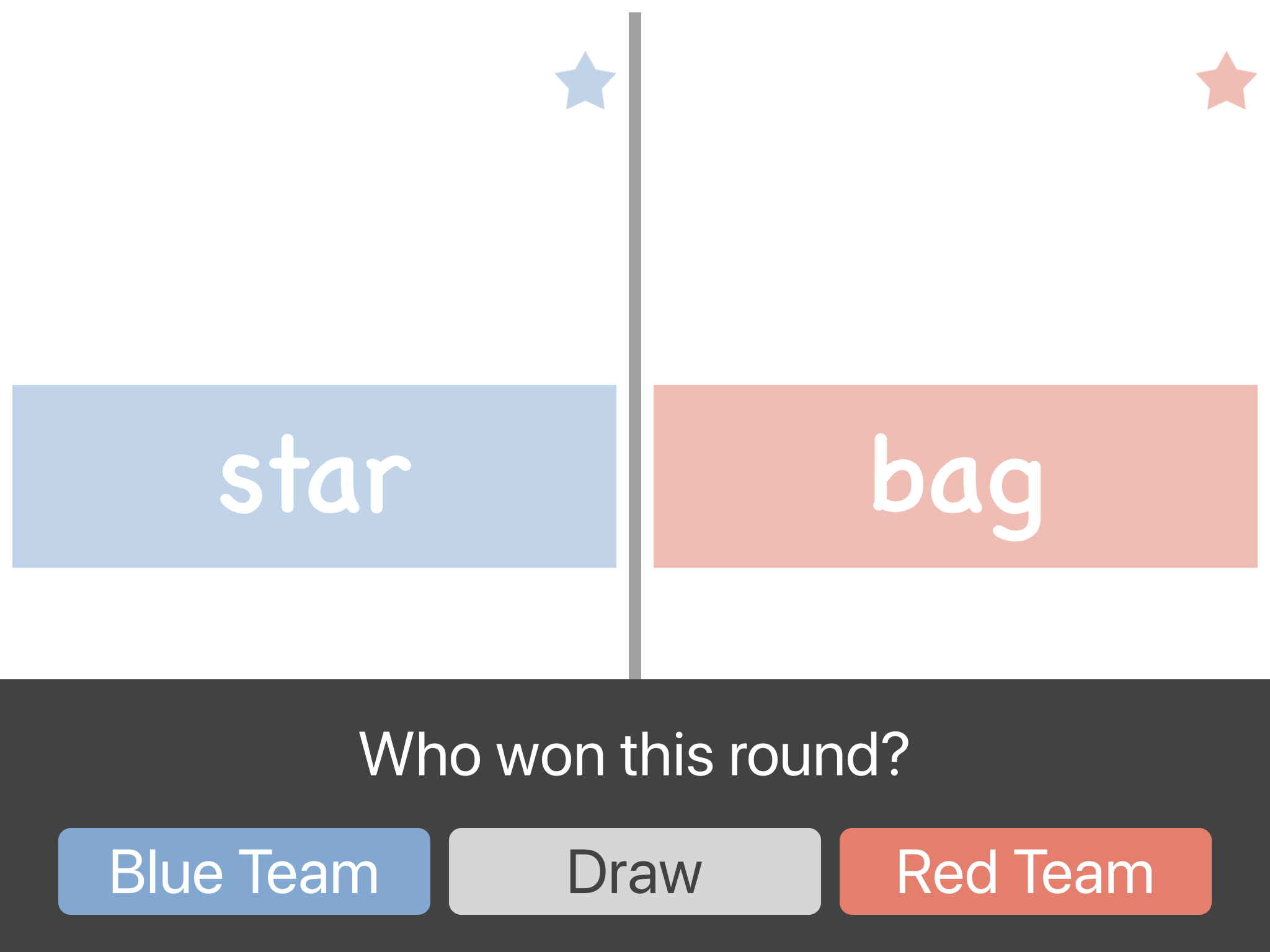
In the screen below, you see two words, one for the blue team and one for the red team. The player on the blue team has to read the word “star” and the player on the red team has to read the word “bag”. You can also see that currently both the red team and the blue team have already earned one star so the score is even.
In the “First to answer” game, you tap the screen as soon as the first player has read the word. If they have red the word correctly, they earn a star. If they have read it incorrectly, the other team gets a star. If they have both read their word at the same time, you can say it was a “draw” and neither team gets a point.
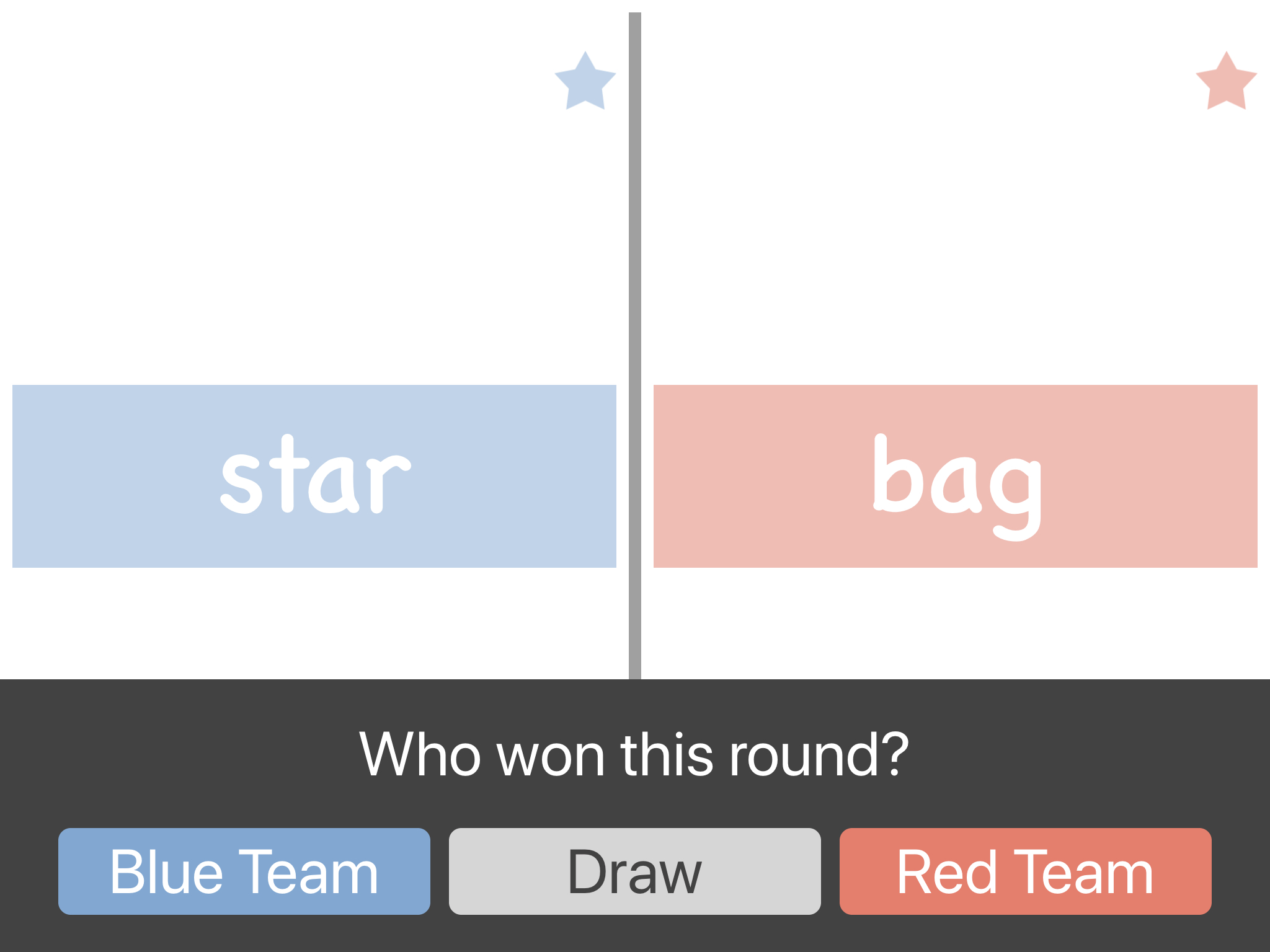
In the “Both can answer” game, you tap the screen once both players have tried to read the word. In this game, you then award the round to either the blue team, the red team, or both teams. In the game settings, you can set how many turns each game should last. During the game, the stars indicate how many rounds each team has won.
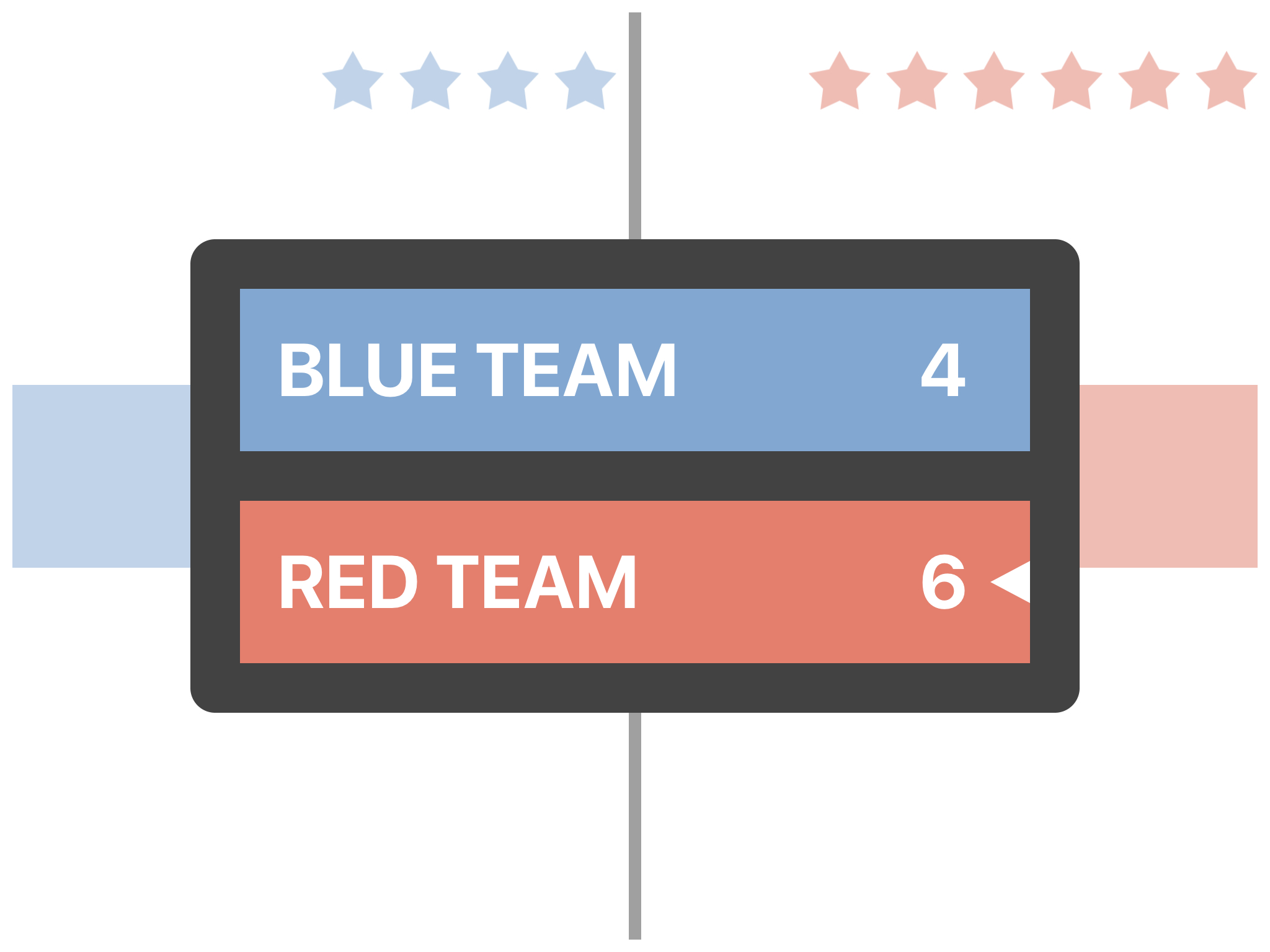
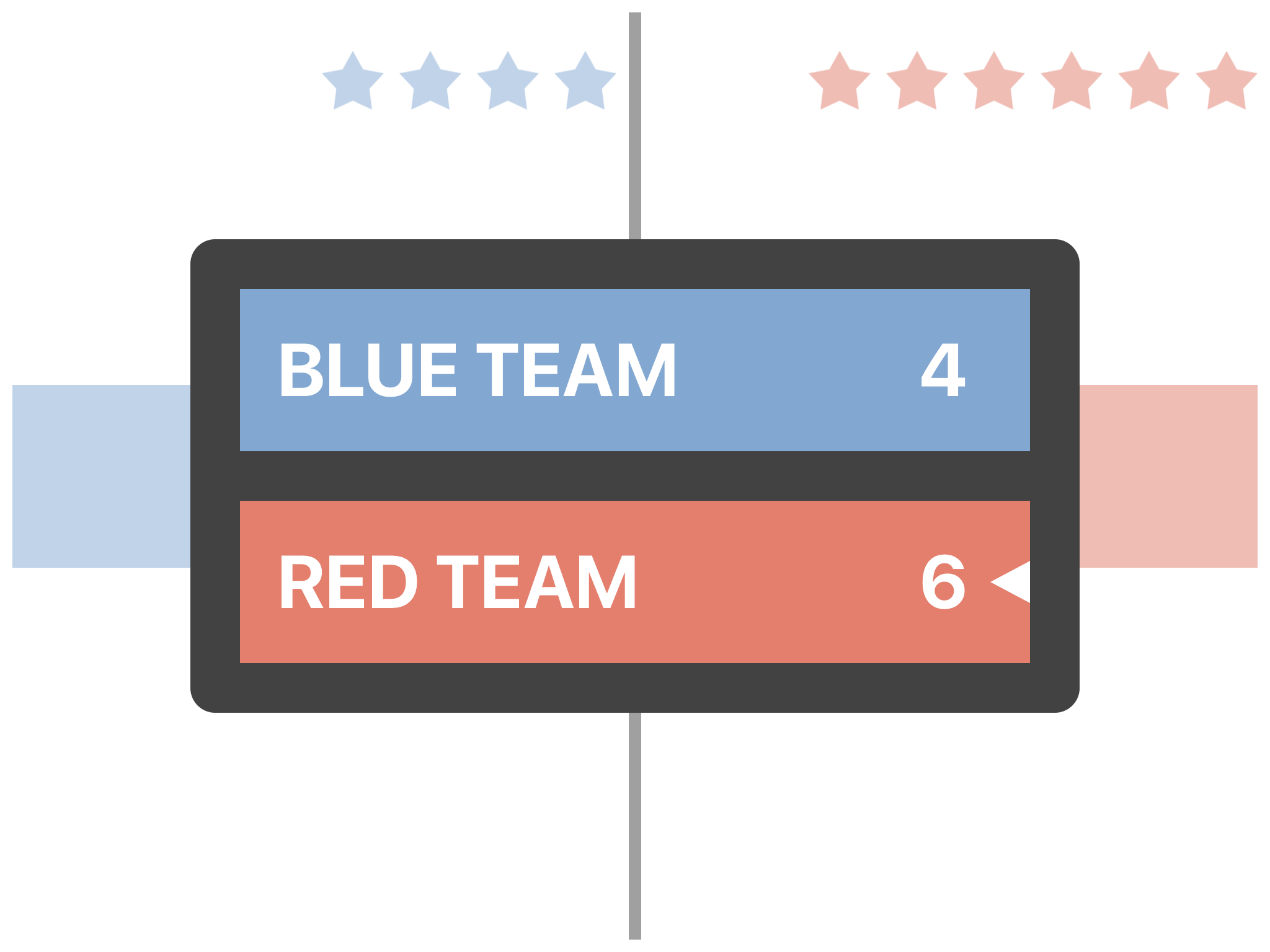
Once the game is over, the final score will be displayed like this.
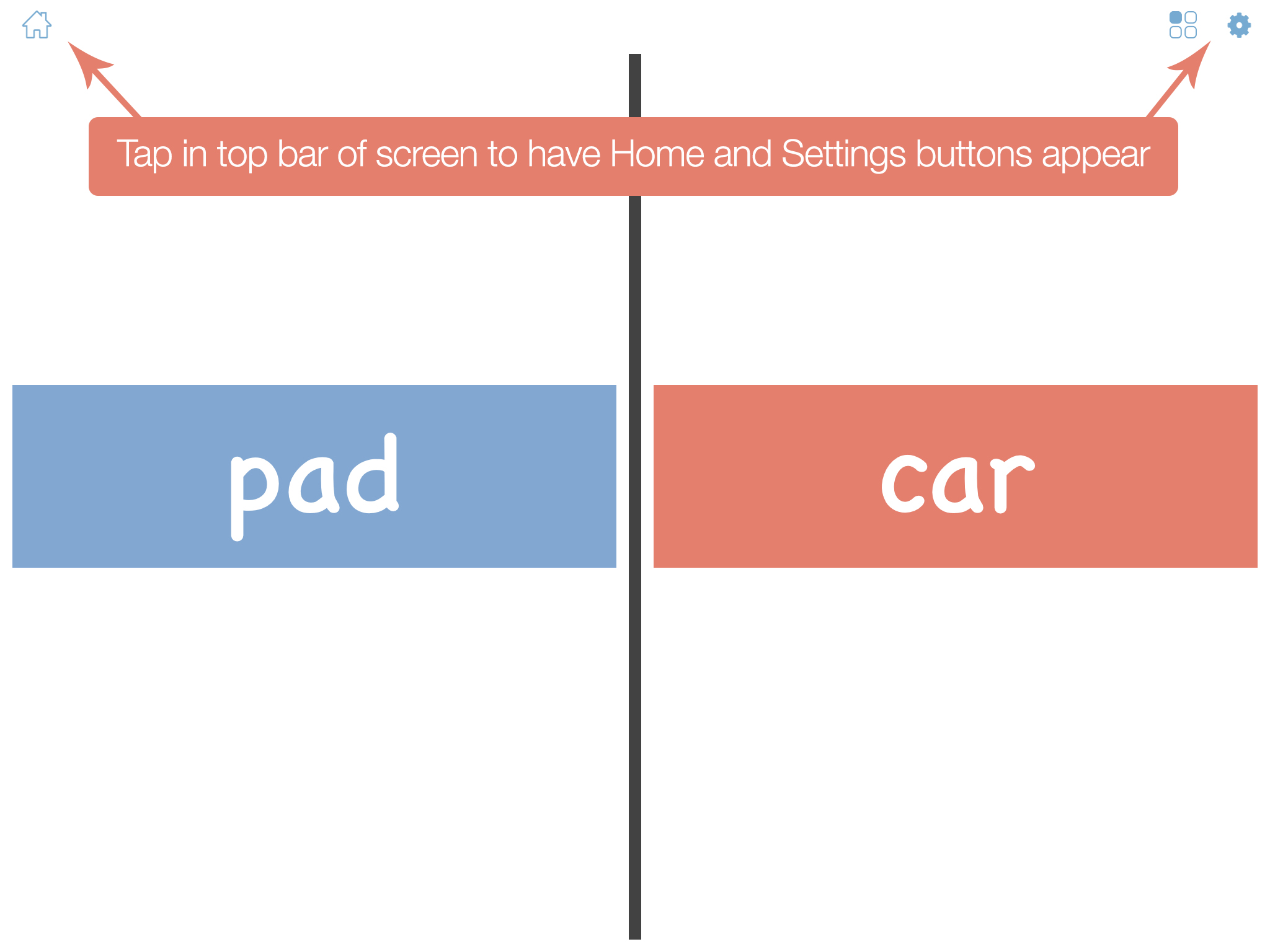
Lastly, to exit the game, just press in the top row of the screen to have the Home and Settings buttons appear.
Screenshots
Therapeutic & Classroom Outcomes
- Bitsboard is widely used by speech-language pathologists (SLPs) as a supplementary tool for articulation, vocabulary, and cognitive exercises.
- Teachers and special educators use Bitsboard to build highly customized curriculums that adapt to individual IEP goals.
Learn about all the other games on Bitsboard
Explore our complete suite of educational games designed to make learning reading, spelling, math, and coordination fun and interactive.


Start Learning with Bitsboard
Unlock over 30 interactive mini-games, thousands of pre-made learning boards, and the power to fully customize your own lessons. Perfect for toddlers, students, educators, and speech therapists!
Download on the
App Store