
Flashcards - Engaging Flashcards Games for Preschool and Beyond
Bitsboard offers fun, simple, and engaging flashcards games for toddlers, preschool, and beyond. Highly customizable so whether you are just getting started or learning a foreign language Bitsboard is here to make learning via flashcards fun and simple.
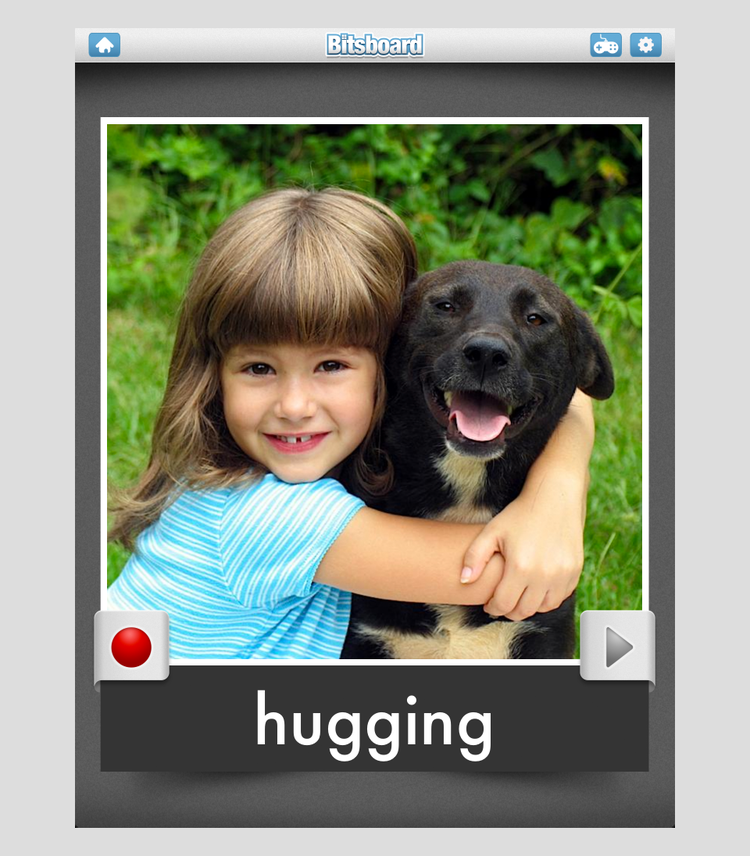
Engaging Flaschards Games for Preschool and Beyond
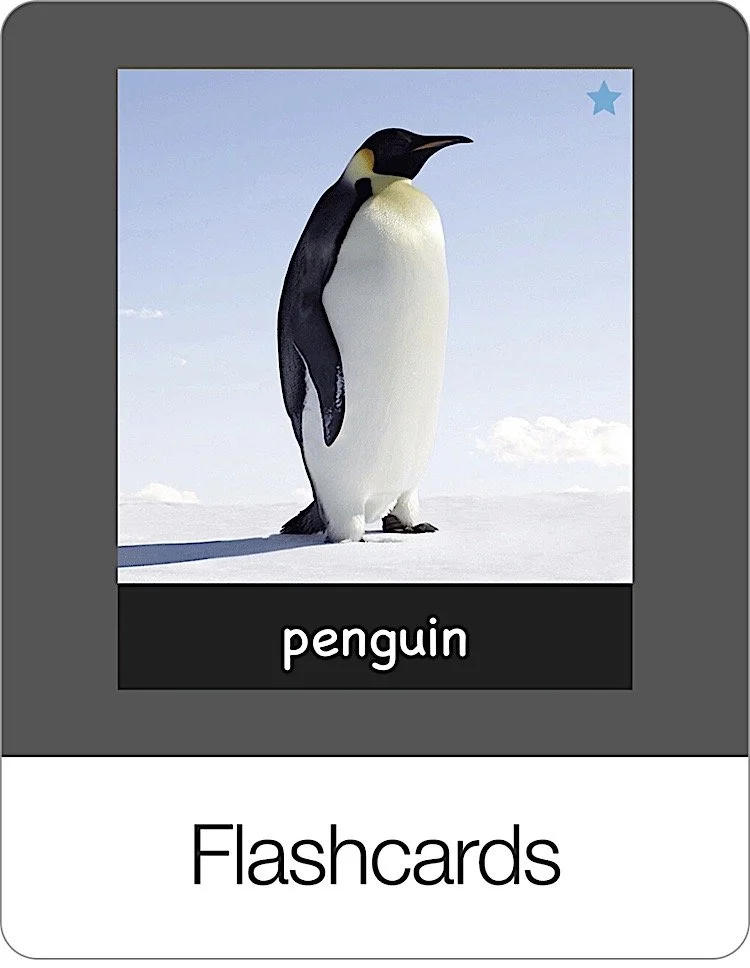
Welcome to Bitsboard's engaging Flashcard Games, the perfect tool for preschool learning and beyond. Our Flashcards game is designed to introduce students to new and exciting content, seamlessly blending images with words for an enriching learning experience. Each flashcard pairs a vivid picture with its corresponding term, enhancing memory and recognition skills.
Plus, our unique record feature in the flashcard games allows learners to practice pronunciation by recording their voice and playing it back, fostering active engagement and auditory learning. Dive into a world of interactive learning with Bitsboard's Preschool Flashcards!
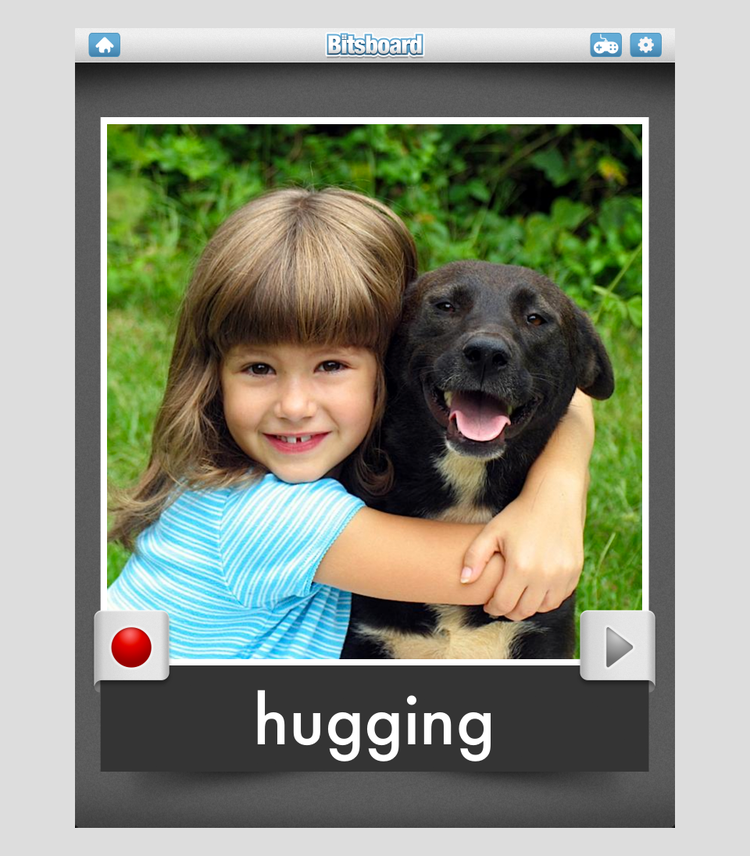
Highly Customizable Flashcards Games
Since there are many different ways of learning from using flashcards, we offer a variety of settings so that you can perfectly adapt the flashcards game to your students needs and preferences.
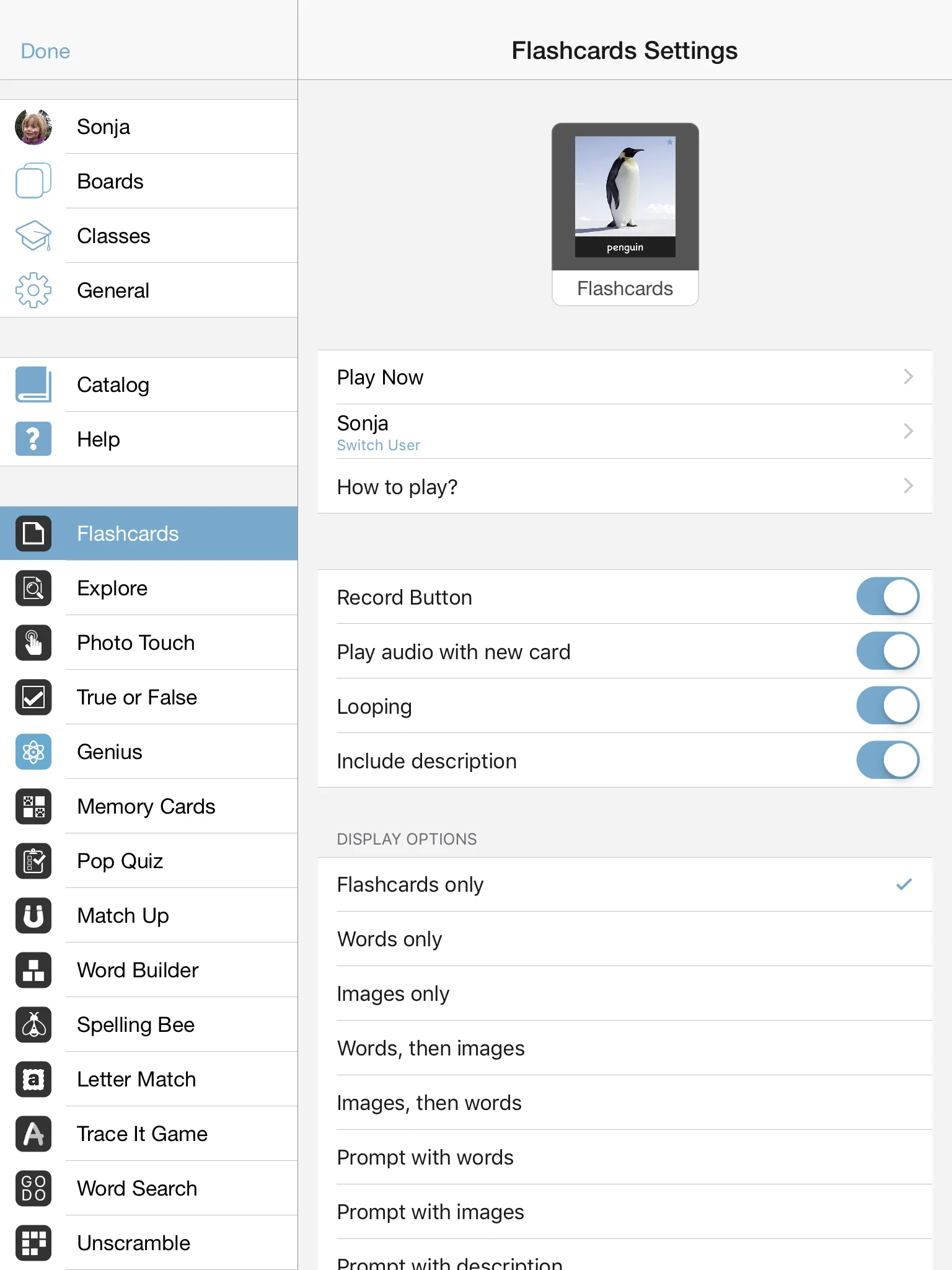
Flashcards Game Settings
The settings options include:
Record button: Turn the record button on or off depending on whether you want to let kids practice while viewing the flashcards.
Play audio with new card: Turn setting on to always have the audio play the moment the card appears.
Looping: Turn on to continuously keep cycling through all of the flashcards in the board.
Include descriptions: If your cards contain descriptions, you can turn them ON or OFF while reviewing your flashcards
Display Option
Flashcards only: Display full flashcards
Words only: Display only the text and no images
Images only: Display only the images and no text
Words, then images: Displays word, then images
Images, then words: Displays image, then word
Prompt with words: Displays words first, image on touch or next card on swipe
Prompt with images: Displays image first, words on touch or next card on swipe
Prompt with descriptions: Displays description first, image and word on touch, next card on swipe
Card Progression:
New card on touch: Display new card on touch
New card on swipe: Display new card on swipe
Manual progression: Display new card by pressing next button
Auto progression: Display new cards automatically. Adjust speed in 0.1 second increments.
Highlights:
Highlight letters: Turn on to highlight specific letters, prefixes, or suffixes in each word.
Customize highlights: Enter specific prefixes, suffixes, letters that you would like to see highlighted.
Max highlights: Display up to two highlights per word
Capitalization: Select either lowercase, uppercase, or as entered to display the text exactly as it was entered.
Session Length:
Per round: Select how many cards to display per round
Rounds: Select how many rounds per game
Sequence:
A to Z: Bits will appear in alphabetical order
Random: Bits will appear in random order
As entered: Bits will appear in the order you set them
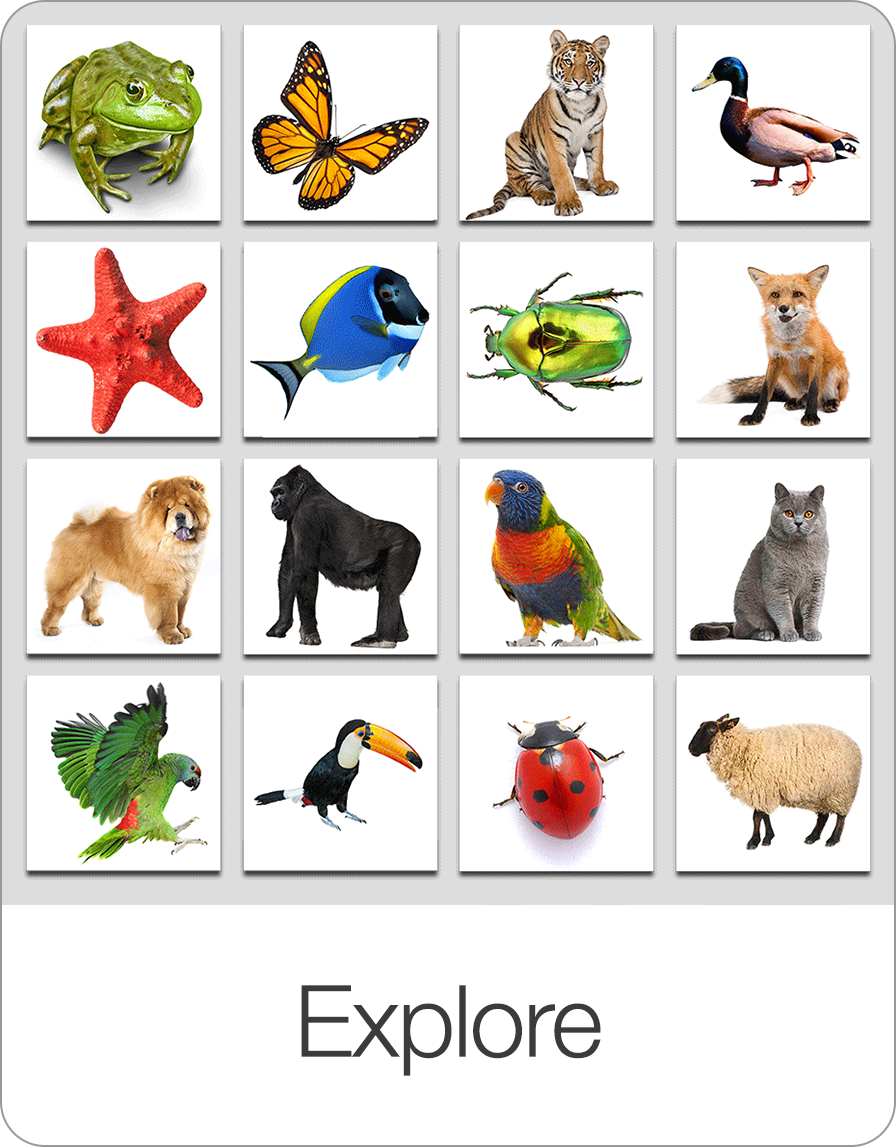
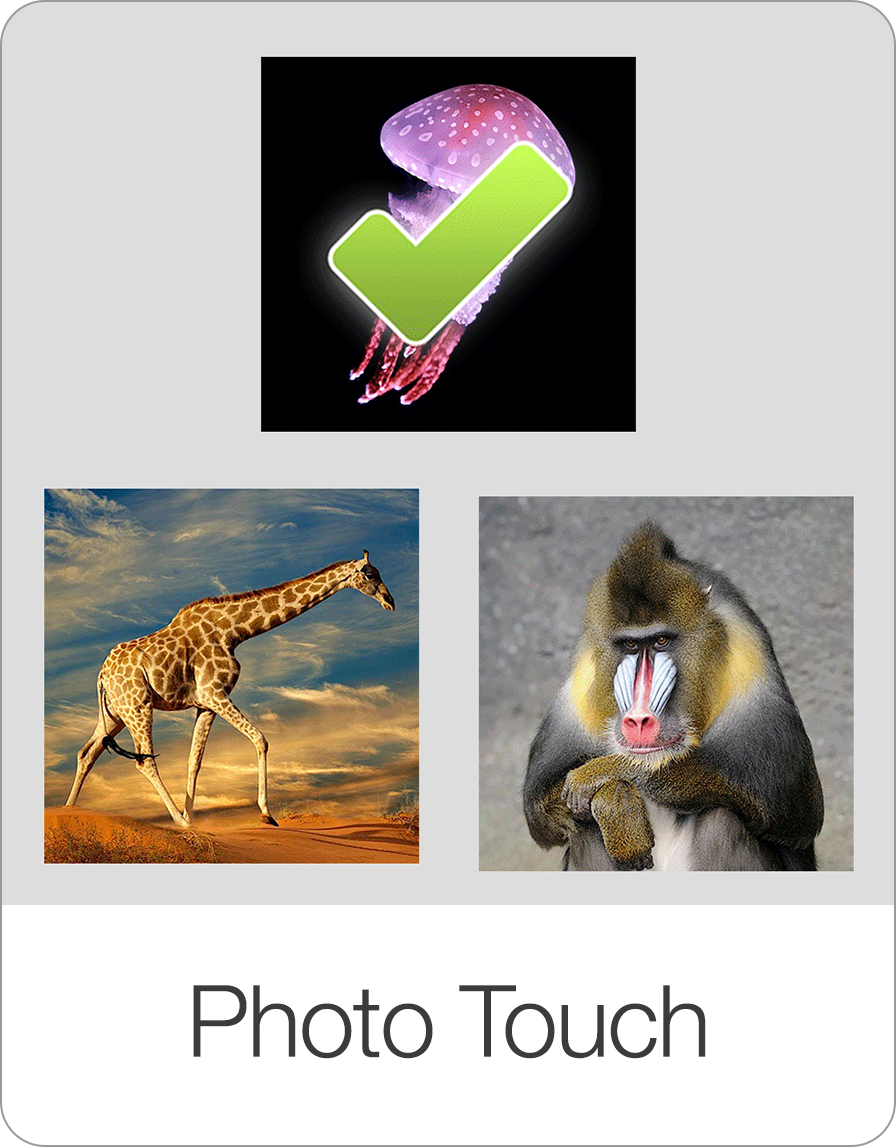
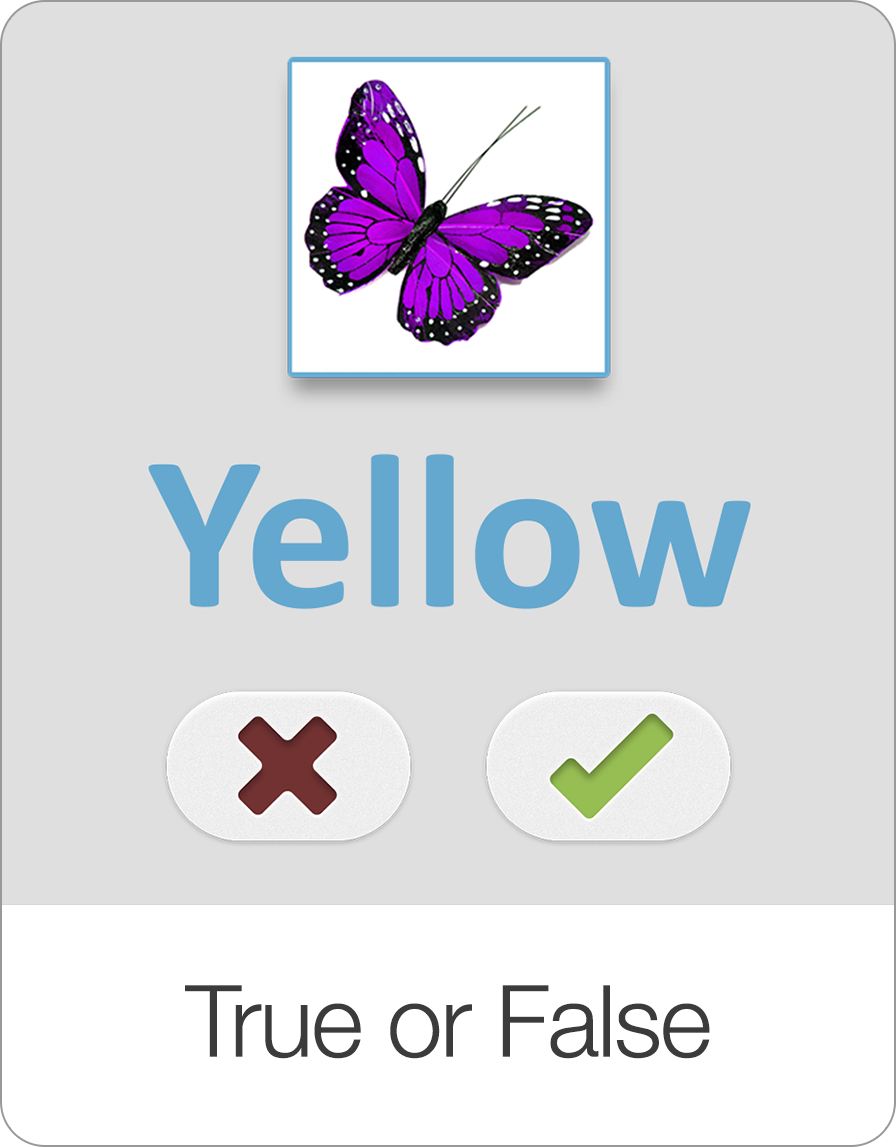
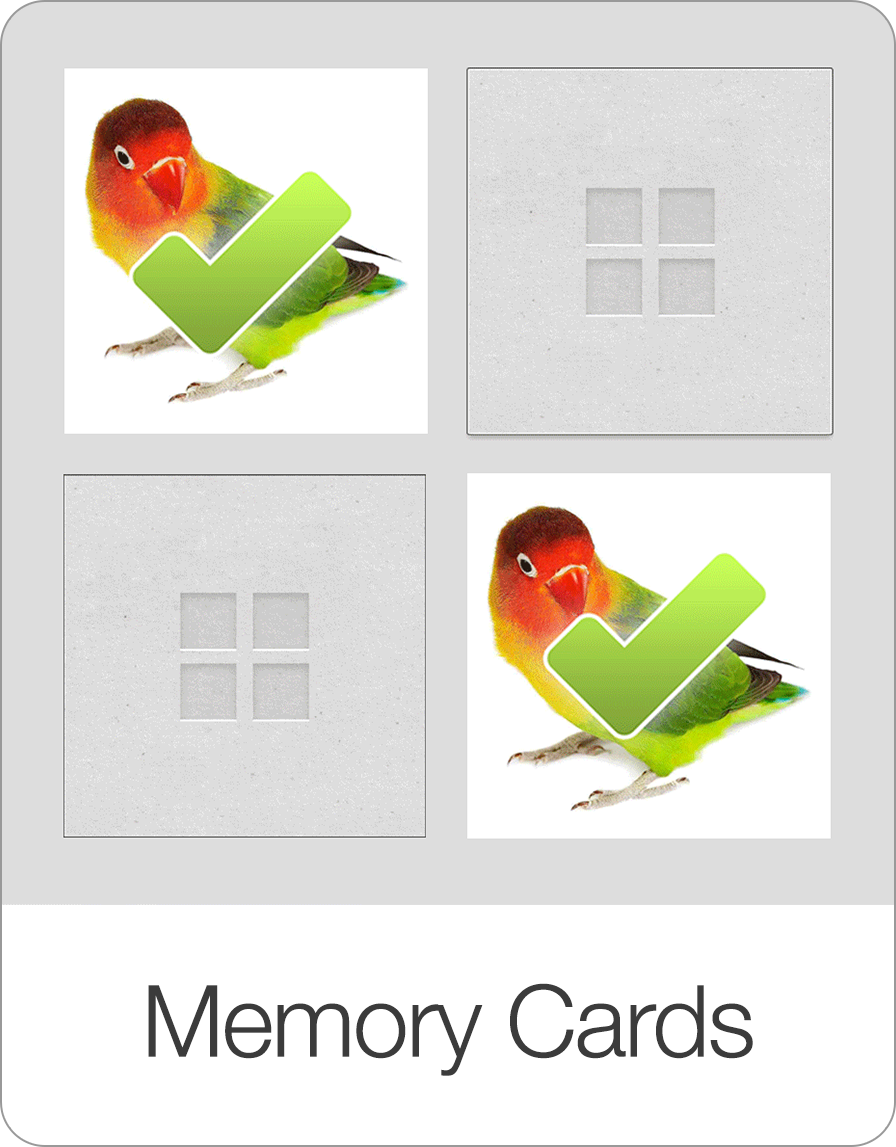
Screenshots
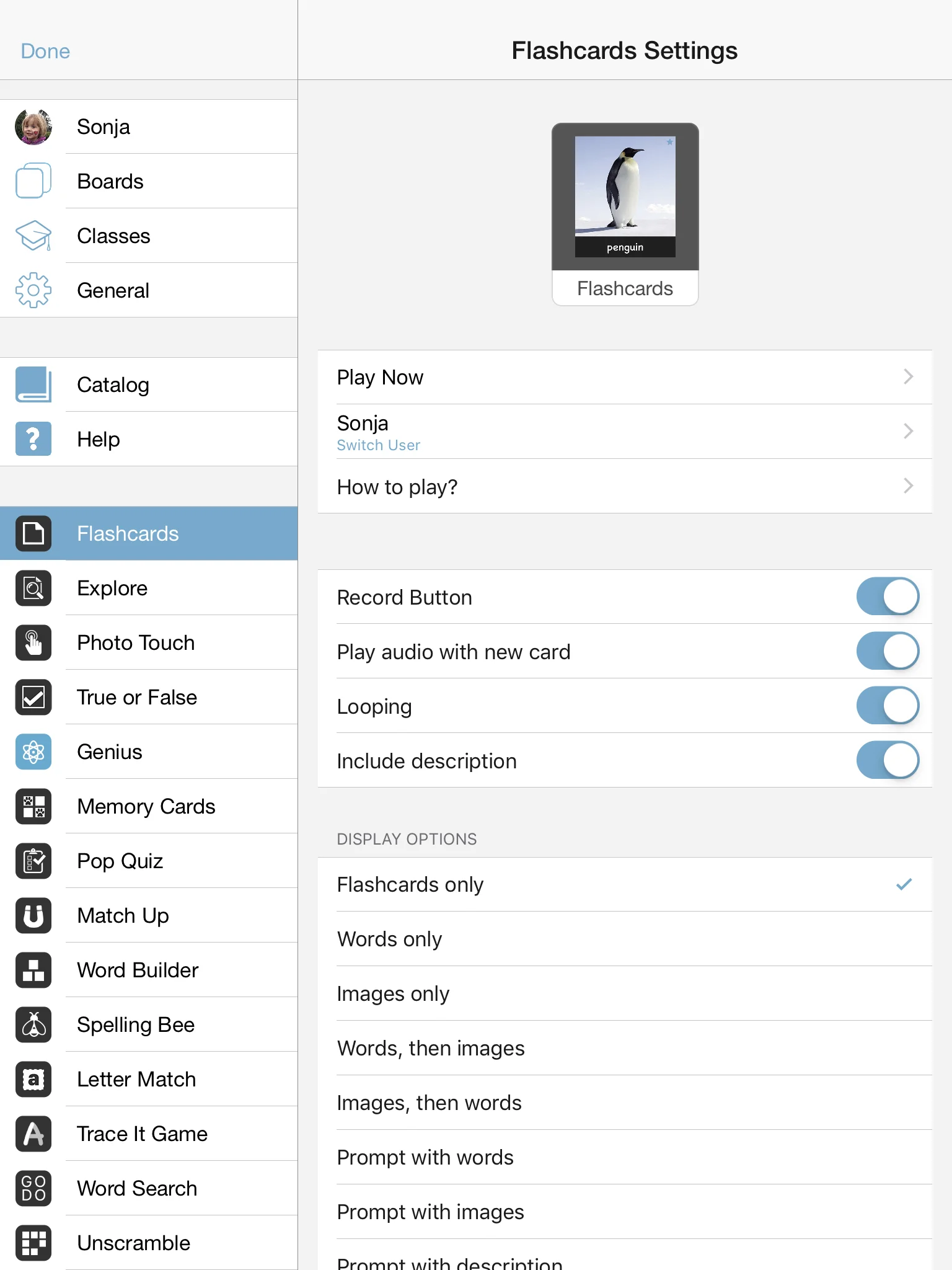
Therapeutic & Classroom Outcomes
- Bitsboard is widely used by speech-language pathologists (SLPs) as a supplementary tool for articulation, vocabulary, and cognitive exercises.
- Teachers and special educators use Bitsboard to build highly customized curriculums that adapt to individual IEP goals.
Learn about all the other games on Bitsboard
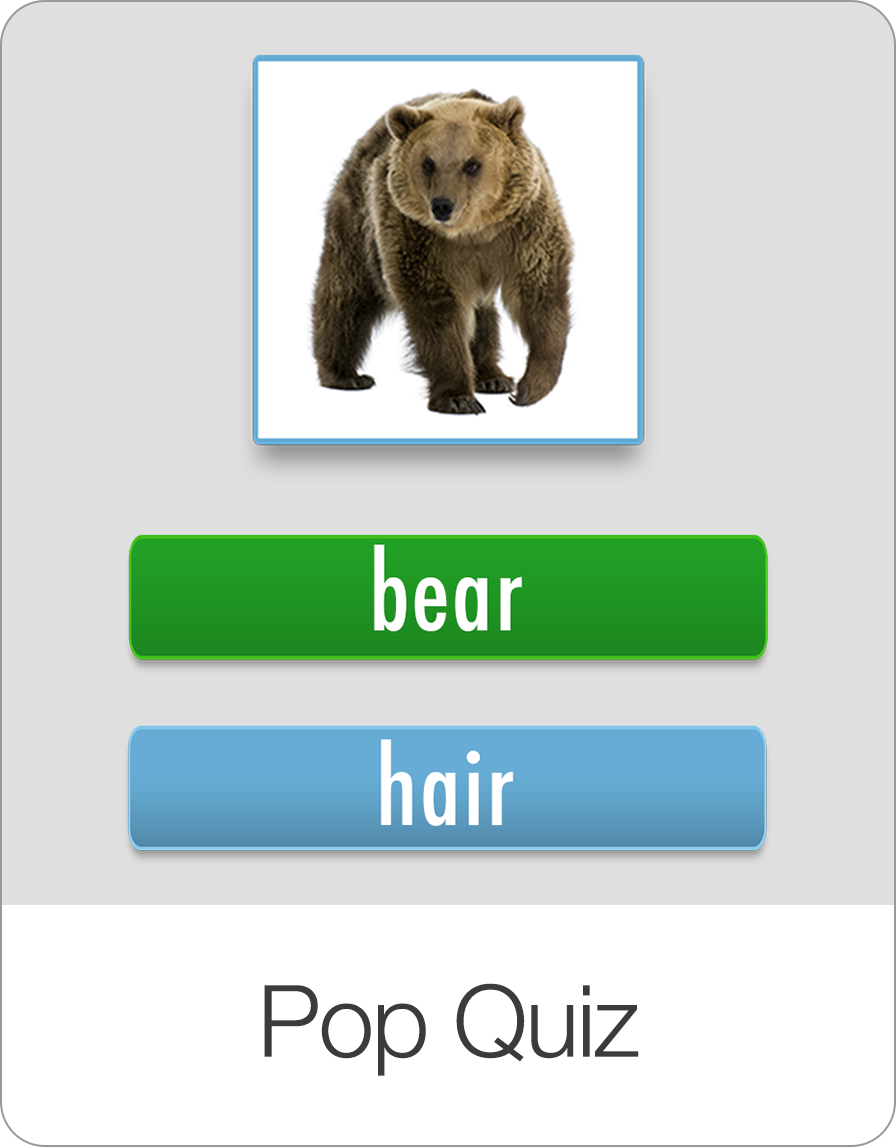
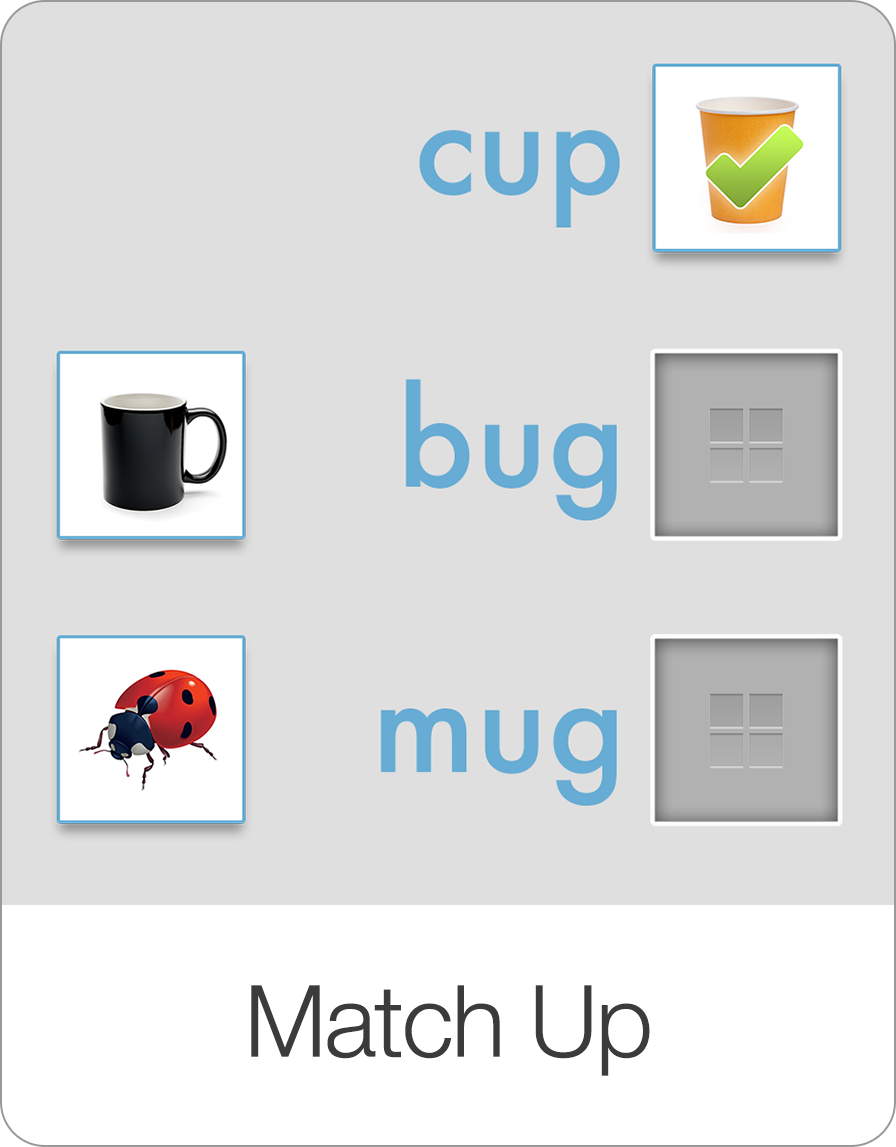
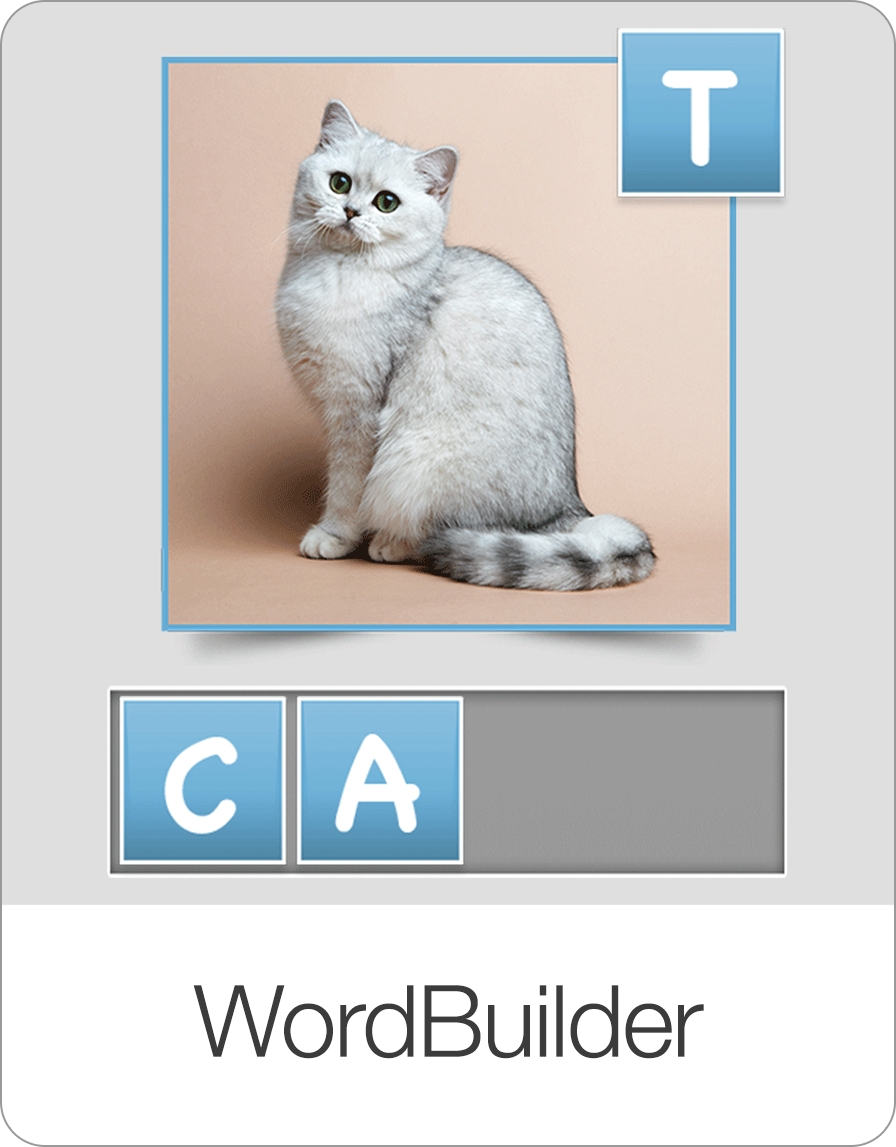
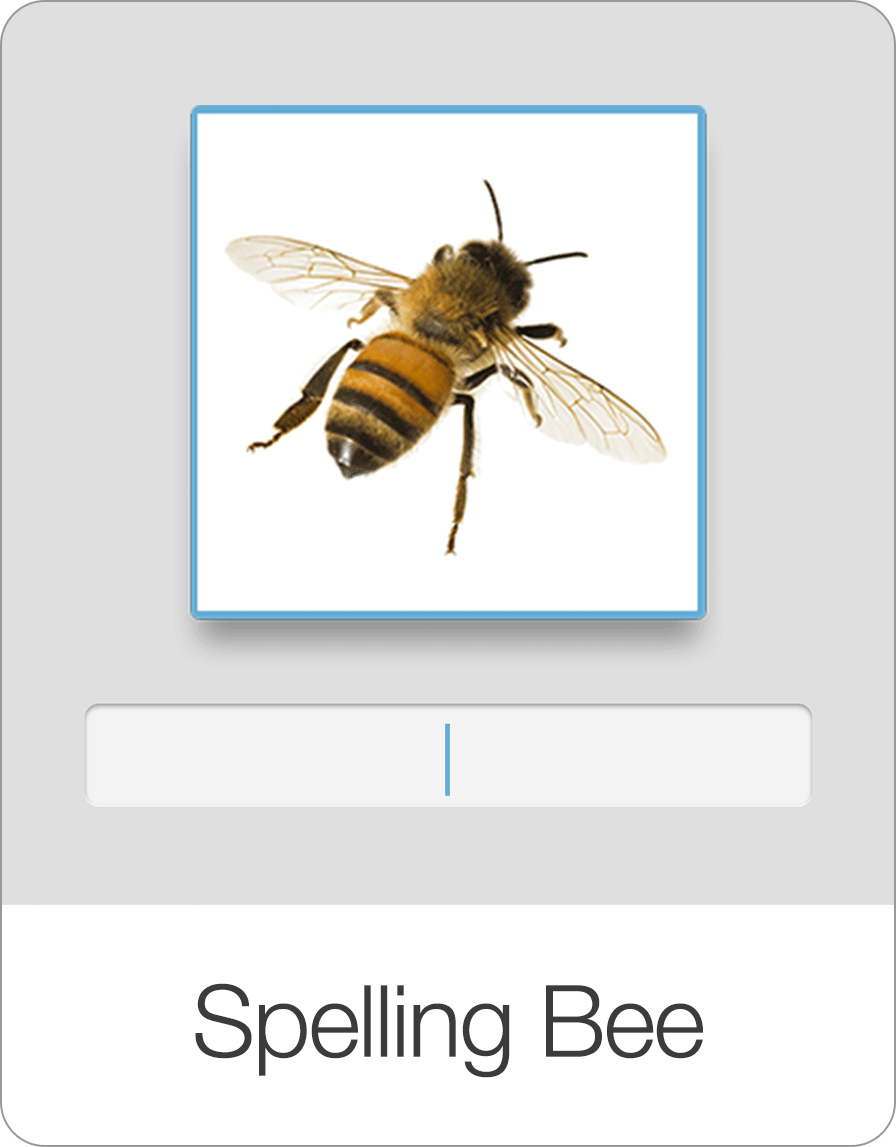
Explore our complete suite of educational games designed to make learning reading, spelling, math, and coordination fun and interactive.

Start Learning with Bitsboard
Unlock over 30 interactive mini-games, thousands of pre-made learning boards, and the power to fully customize your own lessons. Perfect for toddlers, students, educators, and speech therapists!
Download on the
App Store