
Support Center / faq
How do I delete boards from the catalog?
Step 1 - Go to CatalogClick on the catalog icon in the top left of your app. Step 2 - Select My BoardsPress on My Boards in the top navigation bar to ...
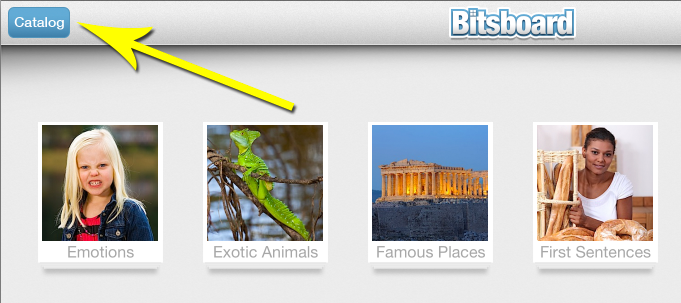
Step 1 - Go to Catalog
Click on the catalog icon in the top left of your app.
Step 2 - Select My Boards
Press on My Boards in the top navigation bar to find the board you want to delete from the catalog.
Step 3 - Press and hold to delete boards
Now press on the item you want to delete and keep pressing until you see a "X" icon appear to delete the item. It works the same way as deleting apps from your device.
Now Available on iOS
Start Learning with Bitsboard
Unlock over 30 interactive mini-games, thousands of pre-made learning boards, and the power to fully customize your own lessons. Perfect for toddlers, students, educators, and speech therapists!
Download on the
App Store
4.8/5 stars • 2,560+ reviews