
Photo Permissions
Here is how to update your privacy settings so that you can start adding photos again.
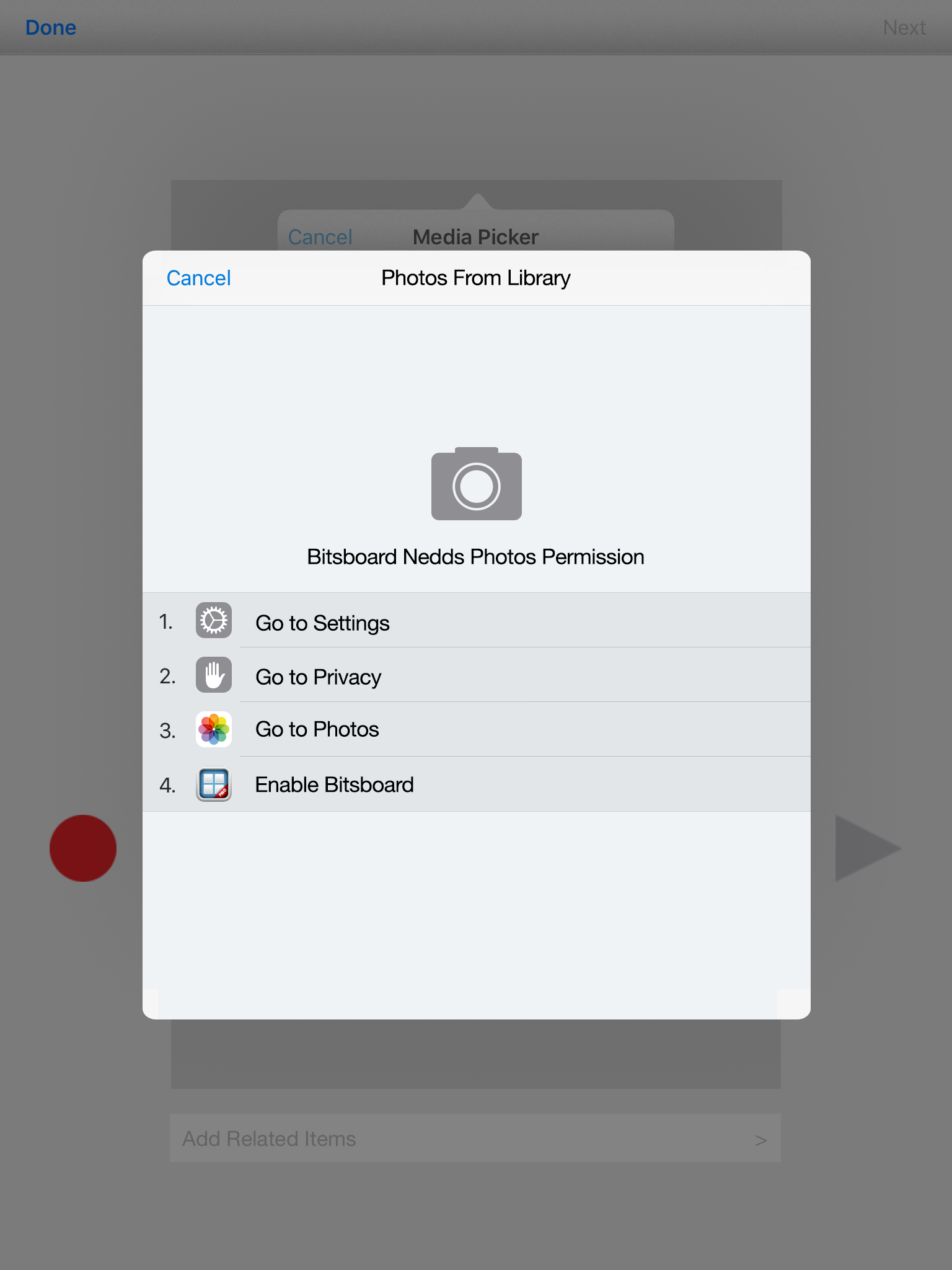
1. Click on the main settings tab. I am talking about Apple's settings tab. You will find this button on the home / main page of your device unless you have moved it.
2. Click on Privacy (it's the button above the iCloud button)
3. Click on Photos
4. Review the apps that are listed and make sure that the setting is set to ON so that the app is allowed to access your photos.
Most likely, it is currently set to OFF, which is why you are getting the new error message from Apple.
Important Disclaimer & Boundaries:
Bitsboard provides educational activities and tracking tools for parents, teachers, and speech therapists. It is not a medical diagnostic or clinical treatment tool, and should be used to supplement, not replace, professional evaluation and therapy.
Governing Law: California, USA. For legal inquiries, please contact support@bitsboard.com.