
How to print boards?
Printing your content in Bitsboard is very simple.
1. Go to Settings > Boards
2. Select the Board you want to edit
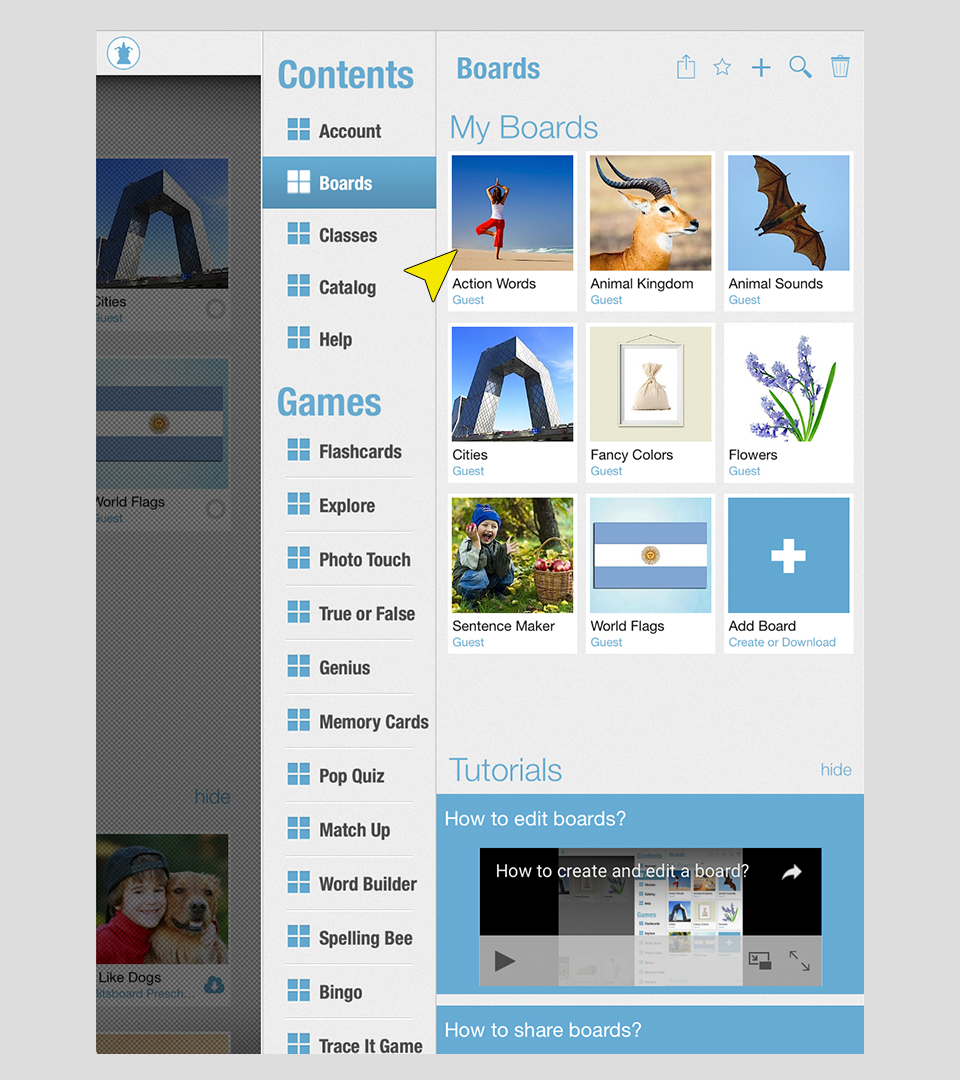
3. Now press on the Share icon and select the desired preferences to print your board!
4. Now adjust the settings and once you are happy with the preview, you can either print the board or email a PDF copy to yourself or someone else!
Important Disclaimer & Boundaries:
Bitsboard provides educational activities and tracking tools for parents, teachers, and speech therapists. It is not a medical diagnostic or clinical treatment tool, and should be used to supplement, not replace, professional evaluation and therapy.
Governing Law: California, USA. For legal inquiries, please contact support@bitsboard.com.